Exclude a page from the navigation menu
When you add a Navigation menu to a page, it will by default display as many items as they are pages in your site. However, you may want to hide some of the pages from the navigation menu. For example, when you created a static home page, or when you have form pages that visitors only need to see when they click a link. You can hide a page using the custom navigation filters or create a new navigation filter.
Hide a page using a navigation filter
SitecoreAI comes with navigation filters. You can use these existing filters to hide a page from the navigation menu.
In the following procedure, the navigation component is used on a page that uses main navigation, and one of the page it shows is the Form page.
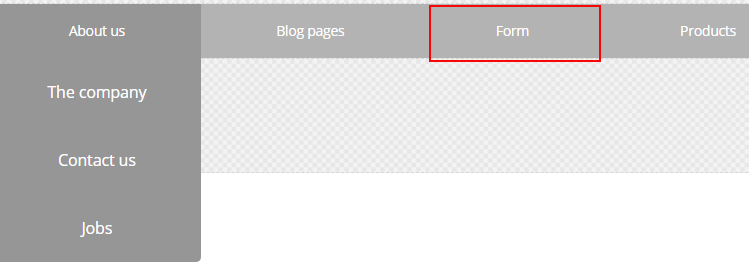
To hide a page from the navigation menu:
-
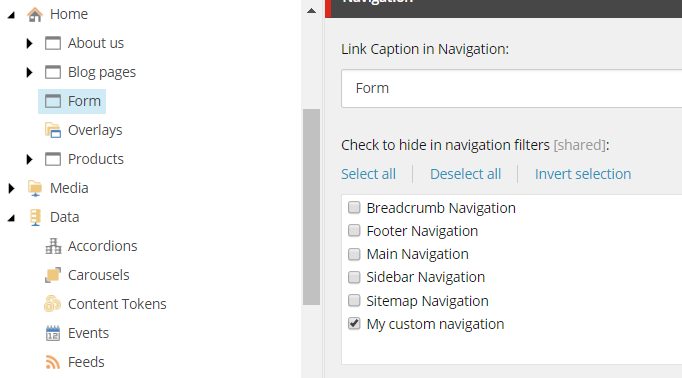
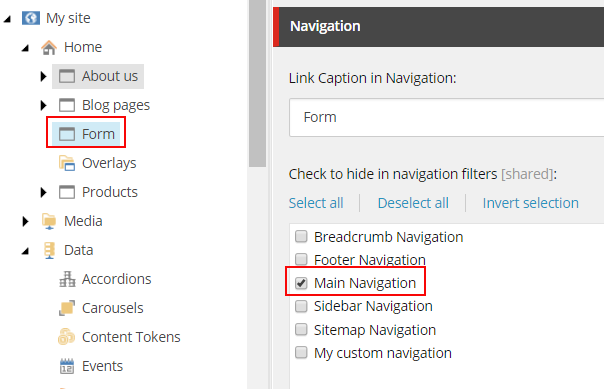
In the Content Editor, navigate to the page you want to hide (here called Form) and in the Navigation section, in the Check to hide in navigation filters field, select the filter you want to hide the page for.
-
In the Pages, in the right-hand pane, in the Navigation Filter field, click Edit component properties and select Main Navigation.
If you now reload the page, you will see that the Form page is removed from the navigation menu.

Create a custom navigation filter
You can also create a custom navigation filter.
To create a custom navigation filter:
-
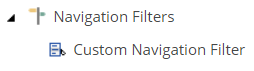
In the Content Editor, navigate to /sitecore/content/
/ , right-click Navigation Filters, and click Insert, click Navigation Filter./Data -
Enter a name and click Ok.
-
At the page level, you can select the navigation filter that you don't want to page to show up for. In the Check to hide in navigation filters field, you can now select the filter you created and/or any other filter.