Create and manage sites
In Channels, you can create and manage sites for an environment. To access in the navigation menu, click Channels.
The organization is a top-level entity, usually representing a company or business unit. It has a number of projects, and in the projects are different environments, typically a production environment and a testing or development environment. In each environment, you can create and manage sites and sites collections.
To create and manage sites and site collections, you must have the Admin or the Sitecore Client Site Managing role. Contact your system administrator to request the access rights as needed.
Work with sites in Channels
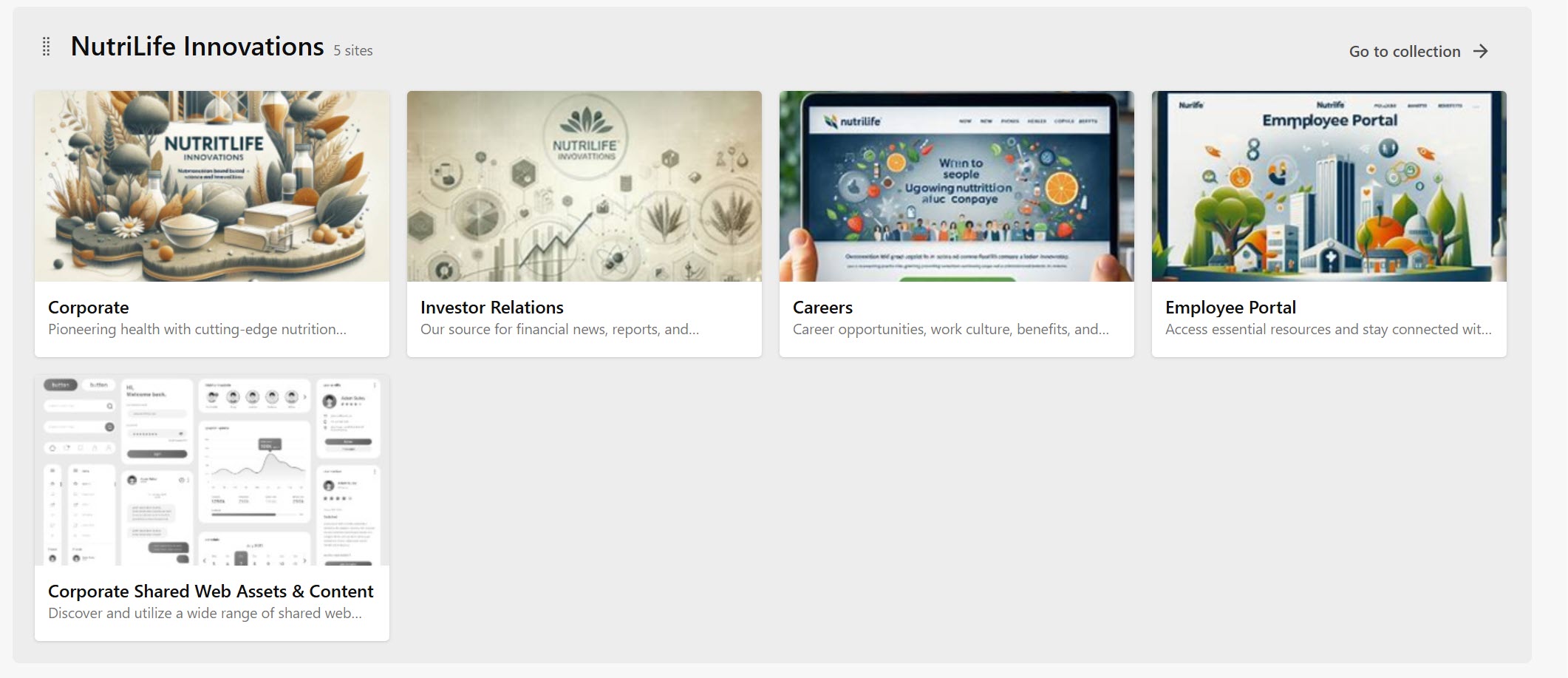
If an environment has any sites, they are shown as tiles in Channels. Each new site must be added to a site collection, ensuring that related sites are grouped together.
You can search for a specific site by entering at least two characters in the Search field. You can also filter your search results to display only the sites from a specific collection. When you search or filter the sites portfolio, the query is saved as a parameter in the URL: this lets you share a specific portfolio when you share this URL with colleagues.
You can rearrange collections and sites (only within the same collection) with drag and drop. The changes you make by reordering sites and collections in the portfolio are visible to all users of the environment.
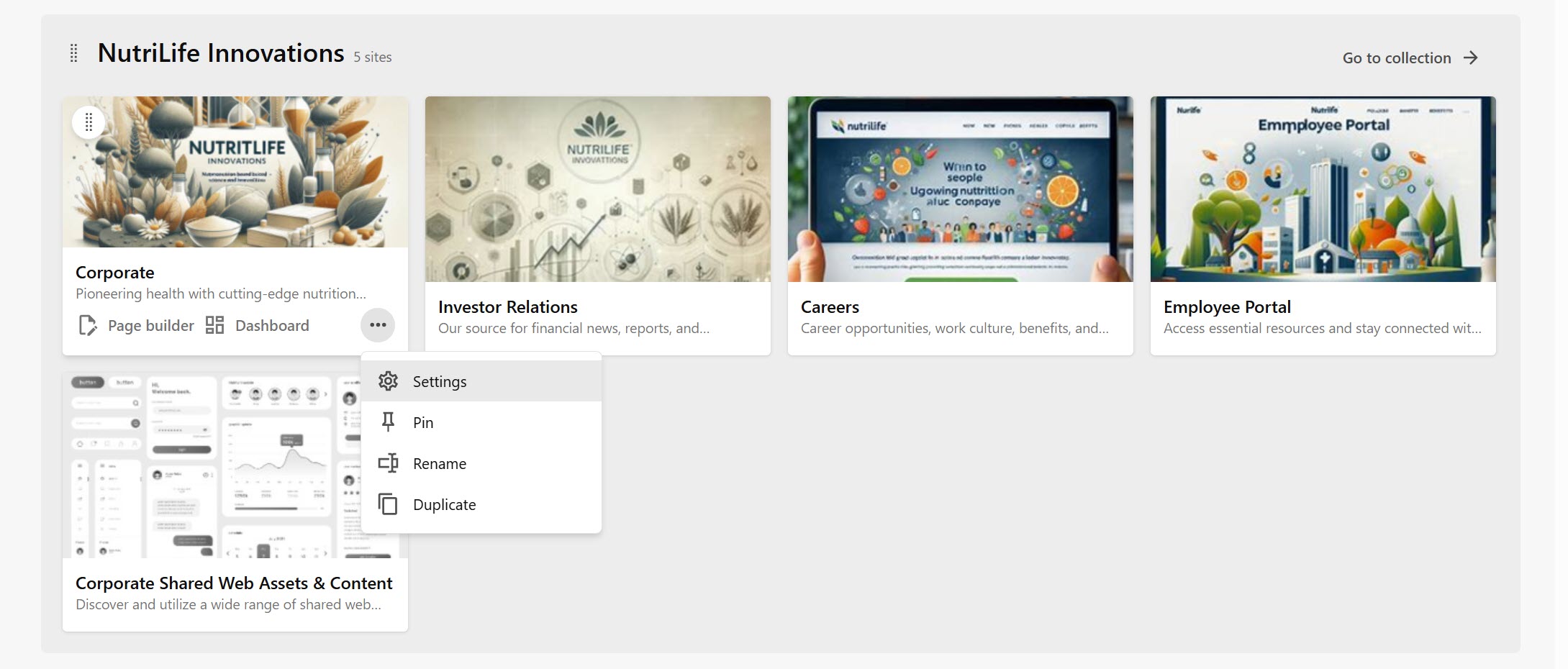
When working on a specific site, click the Options menu on the site tile to do any of the following:
- Manage the site settings, such as homepage, language, and site host.
- Pin a site to improve its visibility by placing it at the top of the Channels page. Pinned sites are personal and not visible to other users in the environment.
- Change the site to a name to something unique for the current collection.
- Create a copy of the site inside the current collection.
- On the site tile, you have additional options to open the site in the Page builder to create and design individual pages, as well as publish content, and to open the Site dashboard.
Limited administration sites
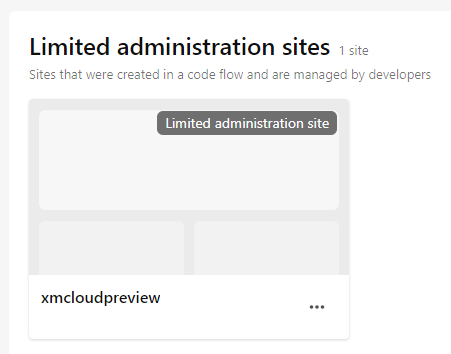
In some cases, developers might create sites outside of Sitecore and connect them to your environment. You can see those sites in the Sites homepage, grouped as Limited administration sites. These sites aren't managed in Channels, and their Options menu has limited options such as reviewing some metadata in their Settings or launching the sites in the Page builder.