Build digital experiences
In SitecoreAI, Channels is the main workspace for building and managing digital experiences. It brings together everything needed to create and organize sites and site collections.
To access it, in the navigation menu, click Channels.
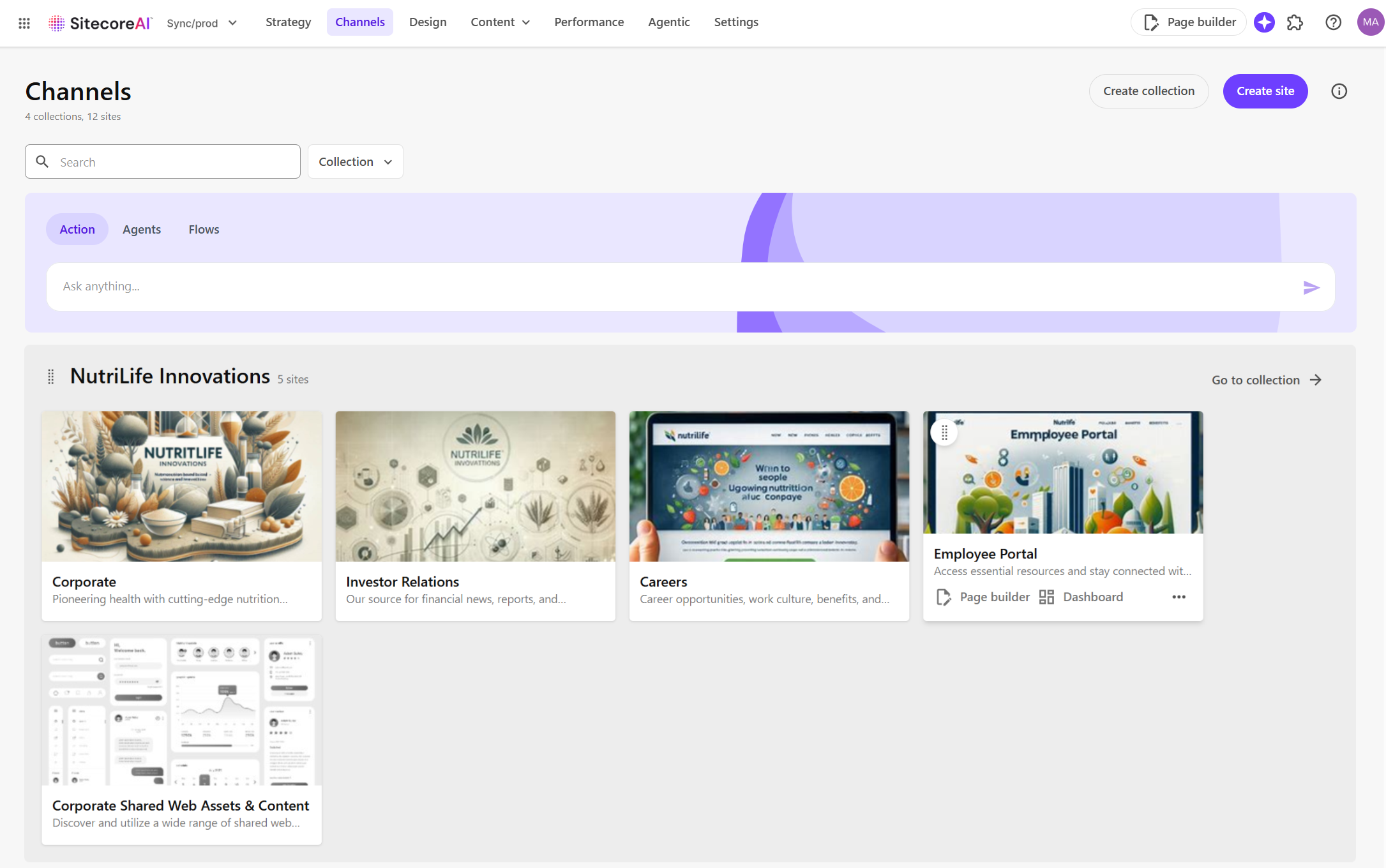
In Channels, teams can quickly manage sites and collections and perform these key actions:
- Create and manage sites - set up new sites from templates or copies, edit settings, and open them in Page Builder for content updates.
- Create and manage site collections - group related sites under one collection to share resources and keep projects organized.
- Build web pages - use the Page builder to design, edit, and personalize pages with components and content.
- Personalize and test experiences - create variants to personalize a page or perform A/B/n testing of components on a page.
Additionally, the Agentic studio widget below the navigation menu lets you access the agentic features in the Agentic studio.
Important
To use the agentic features, ensure Stream is enabled in the Sitecore Cloud Portal and that you have been added as a Stream user. If Stream isn't enabled yet, click Enable Stream in Cloud Portal and follow the on-screen instructions.
If you have suggestions for improving this article, let us know!