Generate a JSON Web Token (JWT)
To use the Stream REST APIs for creating a brand kit, uploading documents, and starting brand ingestion, you must authorize your requests using the OAuth 2.0 standard with a JSON web token (JWT). This process involves two main steps: first, creating a Client ID and Client secret in Stream, and then using these credentials to request an access token.
Create a Client ID and Client Secret
Before you can request an access token, you'll need to generate a Stream Client ID and Client Secret in the Sitecore Cloud Portal.
To create a Client ID and Client Secret:
-
Open the Stream app.
-
In the navigation menu, click Admin.
-
On the Brand Kit keys page, click Create credential to set up a new client.
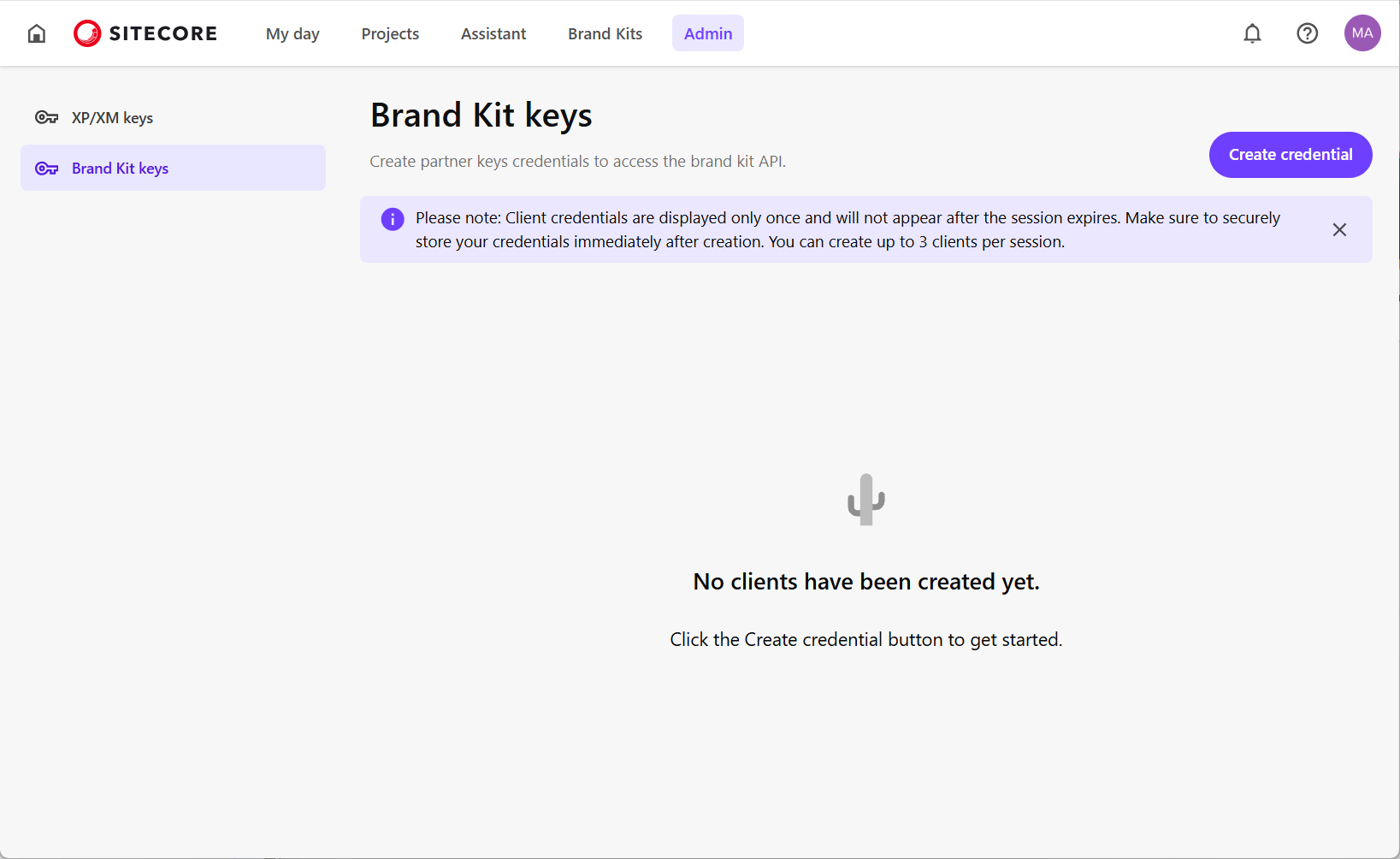
-
In the Create New Client dialog:
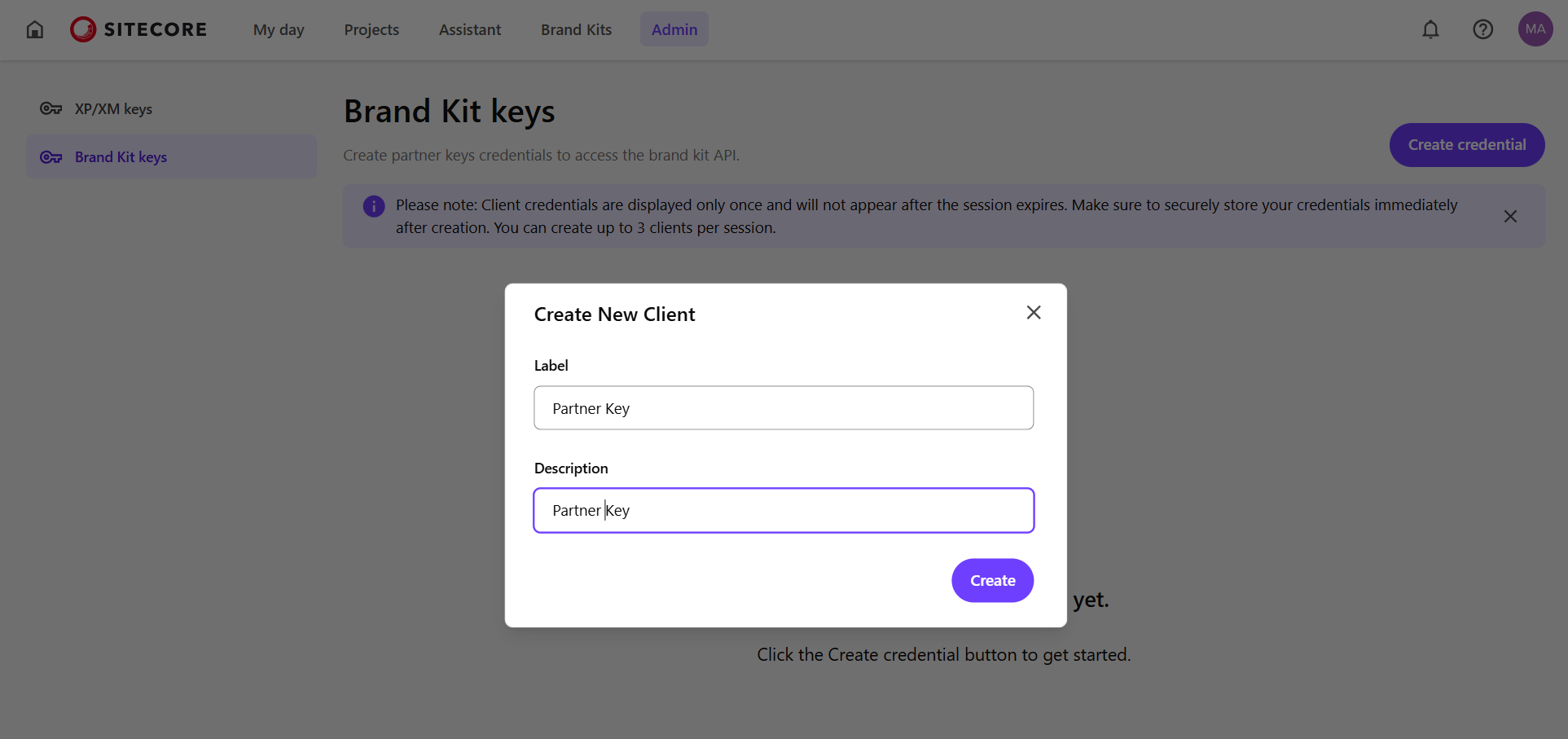
- In the Label field, enter a name for the client.
- Optionally, in the Description field, enter a client description.
-
Click Create. The Client ID and Client Secret fields will be populated.
-
Copy and save the generated values for Client ID and Client Secret, then click Done.
WarningThe Client Secret is displayed only once and cannot be retrieved later. If lost, you must generate a new authentication client.
Request an access token
After generating your Client ID and Client Secret, you can use them to request an access token, which authorizes your API requests.
To request an access token:
-
Run the following cURL command to request an access token. Replace the placeholder values with your Client ID and Client Secret.
-
In the response, the
access_tokenkey contains the JWT token:Copy the
access_tokenand include it in the request header of every API request. For example: