View a guest reference in Sitecore CDP
If you enable the debug feature flag, you can find the unique identifier for a guest profile. The guest reference is a unique identifier that Sitecore CDP assigns the guest. It is useful to know the guest reference when searching for guests, previewing experiments, and so on.
To view a guest reference:
-
On the Guest Profile screen, click the
 icon.
icon.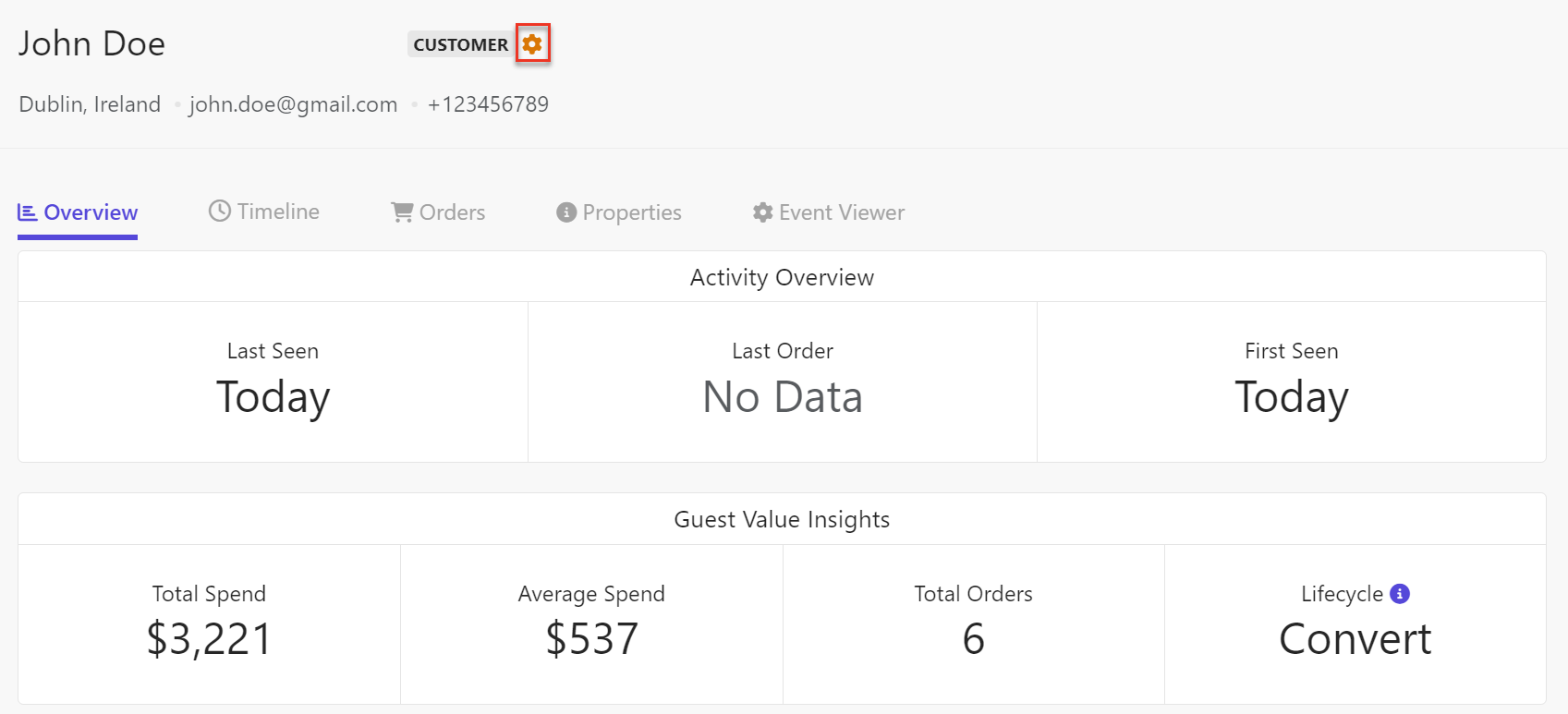
-
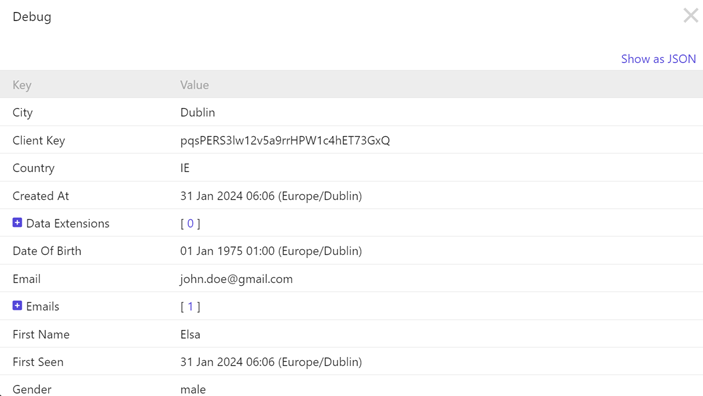
A window displays that includes data in a table, as shown in the following image:
-
To see the data in JSON format, click Show as JSON. A JSON representation of data displays. The unique guest reference displays as the value for the
ref:attribute, as shown in the following image: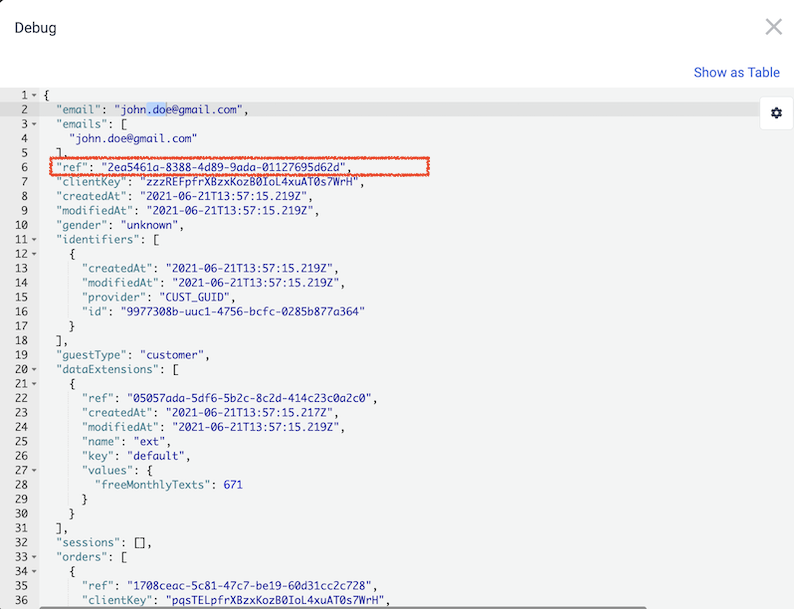
-
To return to the previous screen, click
 .
.
If you have suggestions for improving this article, let us know!