Rename or delete a collection
In Channels, sites, apps, and kiosks are organized in collections. You can rename or delete an entire collection and all of its properties.
To configure a collection:
-
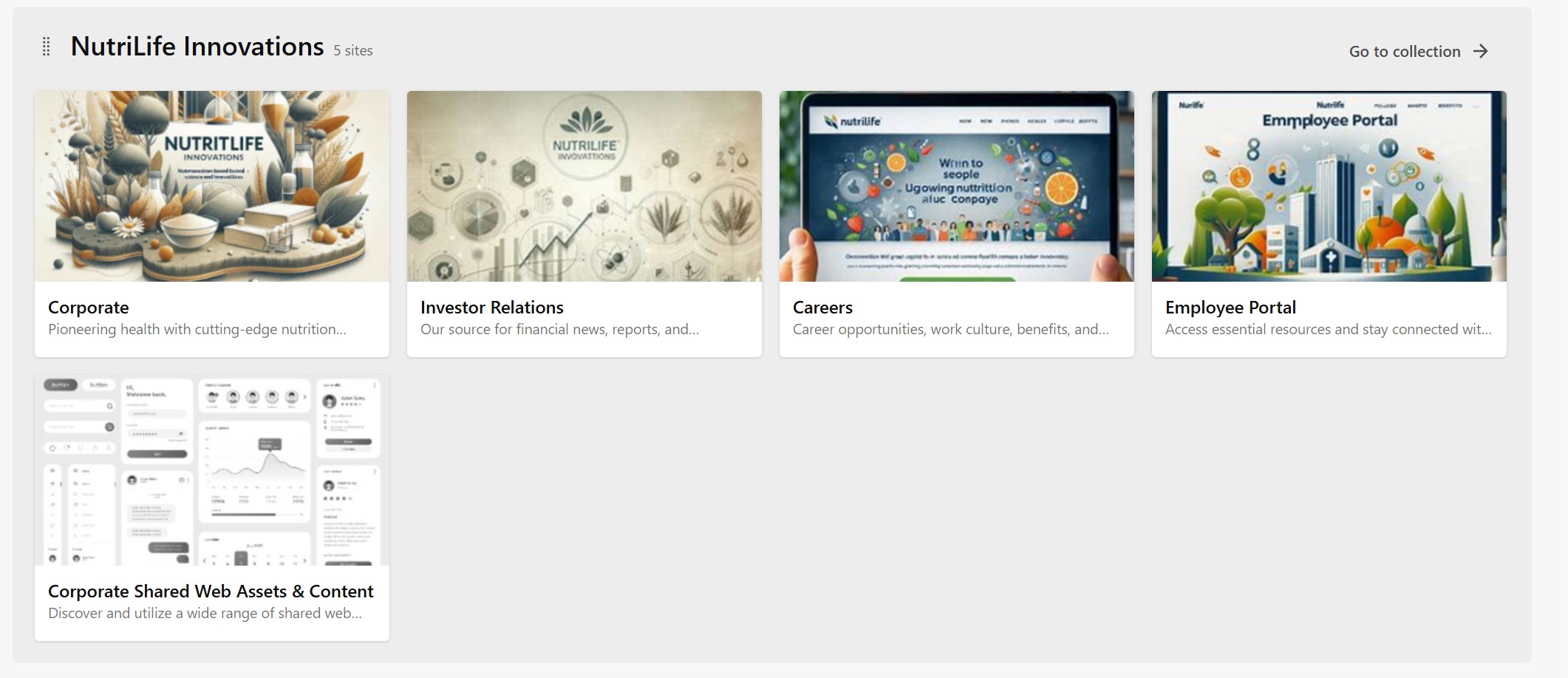
In Channels, find the collection you want to manage and click Go to collection.
-
On the Settings tab, you can edit the name of the collection, or its description.
NoteCollections have two names: a display name that labels it and identifies it in the UI, and an internal System name.
-
To change the internal system name, click next to the System name, enter the new name (up to 50 characters), and click Save. The system name can't include spaces or special characters.
-
To delete the collection, under Danger zone, click Delete collection and manually type the name of the collection being deleted.
WarningThe collection and all its properties will be deleted, and the action can't be undone.