The editing tools
In Sitecore, there are two editing tools where you can create and edit the content on your website:
- The Page builder - this WYSIWYG (What You See Is What You Get) tool combines editing and design capabilities for building web pages and websites.
- The Content Editor – this legacy application was designed for more experienced content authors to create and organize components that are then made available in Pages.
Most features from Content Editor are now available in Page builder, SitecoreAI newer and more intuitive authoring experience. We encourage you to follow the procedures here instead.
In the Content Editor, the items are objects in the content tree and when you select an item, you can edit its fields.
For example, in the Content Editor, the Home item of a sample website looks like this:
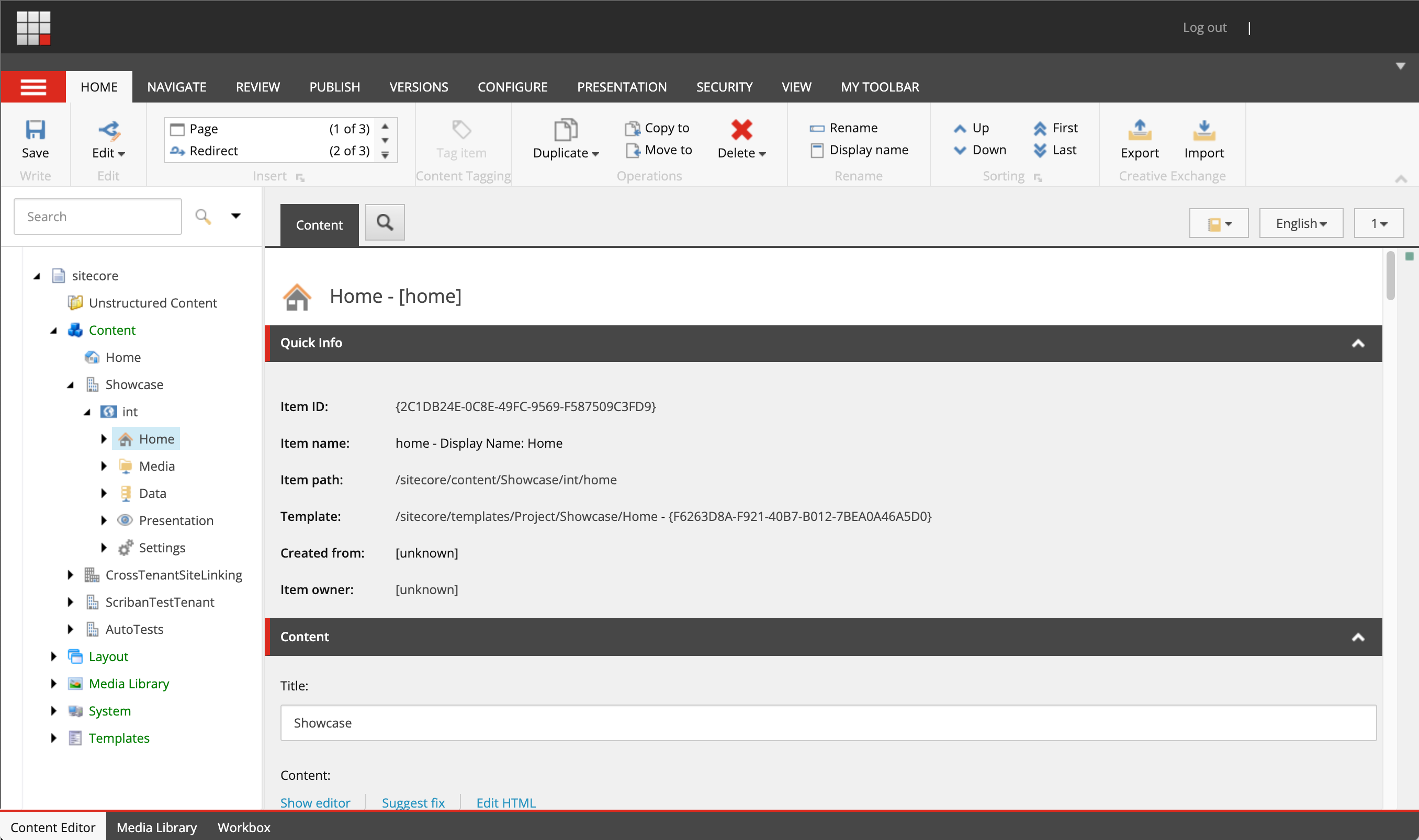
When you click the Home item in the content tree, the Content tab displays the Home item's field values, which you can also edit. If you want to edit another item, you must click the item in the content tree.
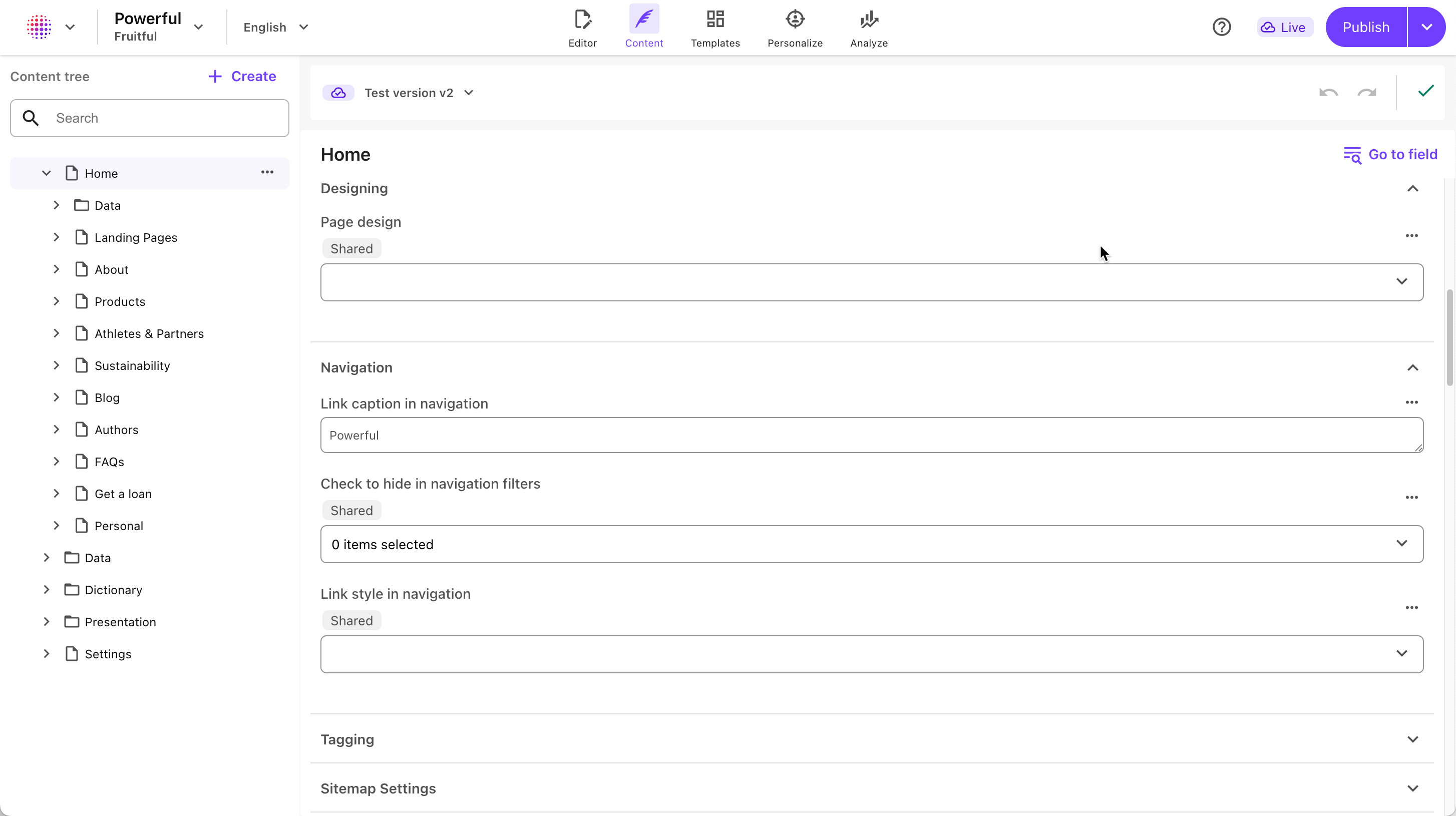
In Page builder, in Editor mode, you see the Home item presented as it looks on your website.

You can edit all of the items on the page – text, graphics, logos, links, and so on, even if they do not belong to the selected item.
In Page builder, in Content mode, you can edit all fields of an item as you do in Content Editor.