Agent skills
A skill is a reusable structured instruction that defines how agents perform specific tasks or workflows. It captures domain knowledge, best practices, and step-by-step guidance so agents can produce consistent and reliable results.
Instead of repeating instructions in every prompt, admins define a skill once so agents can apply consistent workflows, domain knowledge, and multi-step processes wherever the skill is used. This allows agents to access relevant procedural knowledge and context on demand, extending their capabilities based on the task.
Each skill in Agentic studio includes a name, description, optional tags, and content. The content defines the instructions the agent follows.
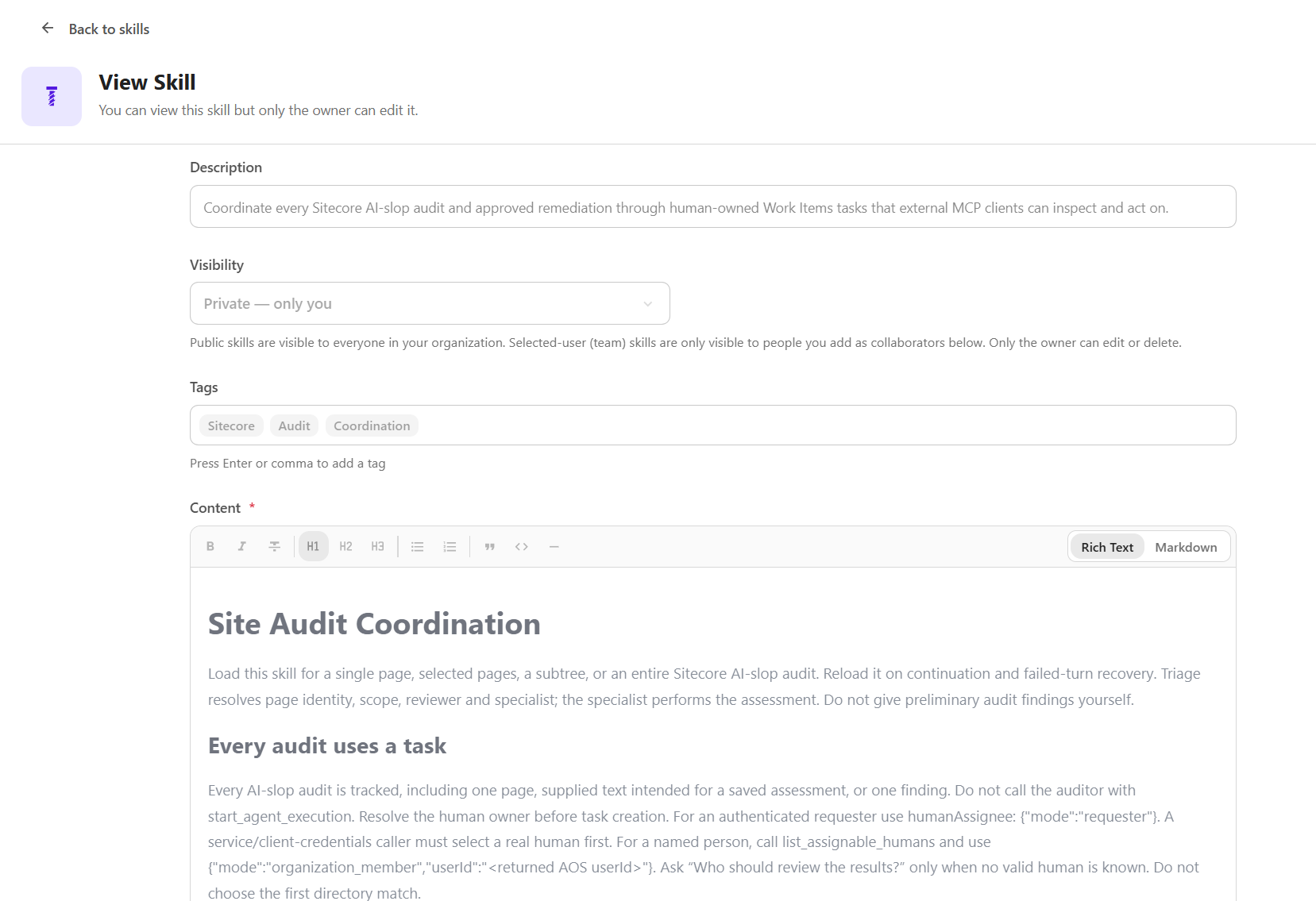
Skills are typically designed around specific use cases or workflows, with clear steps and expected outcomes.
Types of skills
There are two types of skills in Agentic studio:
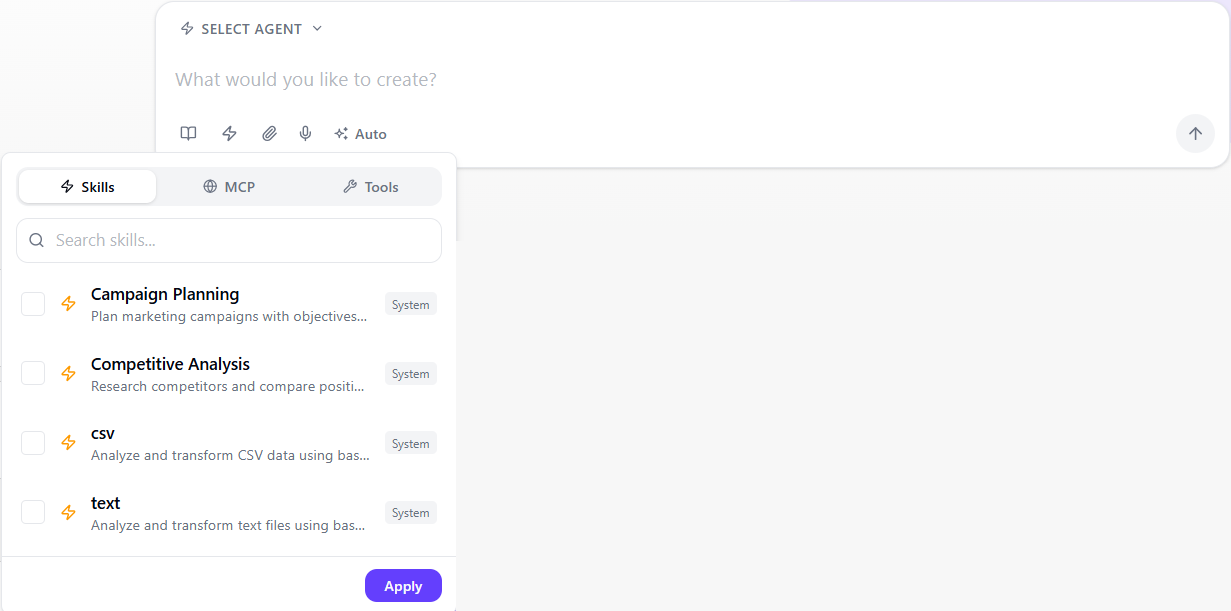
- System skills - predefined skills for common marketing and content tasks, including:
- Campaign planning - plan and structure marketing campaigns by defining objectives, audiences, messaging, channels, and success metrics.
- Competitive analysis - research competitors, compare positioning and messaging, and identify gaps and strategic opportunities.
- CSV - analyze and manipulate CSV data, including filtering, sorting, and summarizing.
- Text - search, extract, and analyze text data, including generating statistics and identifying patterns.
- Custom skills - Create or edit a skill for specific use cases. These can define any workflow or task, from content creation and data analysis to internal processes or domain-specific guidance.
How to write instructions for a skill
Skills are written as structured instructions using Markdown or rich text. Clear, well-organized instructions help the agent understand what to do, how to do it, and what the final output should include.
When writing a custom skill:
- Organize content into clear sections (for example, Description, Sources, Process, Output).
- Use bullet points or numbered lists to improve readability.
- Keep instructions specific, actionable, and unambiguous.
- Include examples or frameworks where helpful.
For additional guidance and examples, use the open-source Agent skills directory and Claude's guide for building skills.
Example skill structure
The system Competitive analysis skill follows a common structure that makes instructions clear, repeatable, and easy for the agent to follow:
Apply a skill
After an Admin has defined skills in the Settings , you can apply skills to guide how agents perform tasks.
To apply a skill, you can:
-
Assign to an agent - when creating a standard agent, select the skills it can use.
-
Invoke an agent with skills - when creating a workflow agent, use an Invoke agent action to add a subagent with assigned skills.
-
Use in chat - when using the chat interface in Agentic studio, select a skill to guide how the response is generated.