Switch between the versions of an item
If there is more than one version of an item, or more than one language version of an item, you can get an overview of all the versions available and quickly switch between them.
To switch to another versions or language version of an item:
-
In the Content Editor, navigate to the relevant item or page.
-
To view a list of all the item versions available in the selected language, click Version number
 in the upper-right corner of the content area.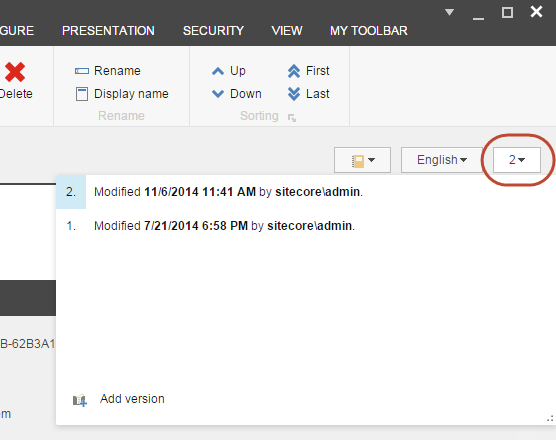
-
Click the version that you want to view.
-
To view the language versions of the item, click Language version
 in the upper-right corner of the content area: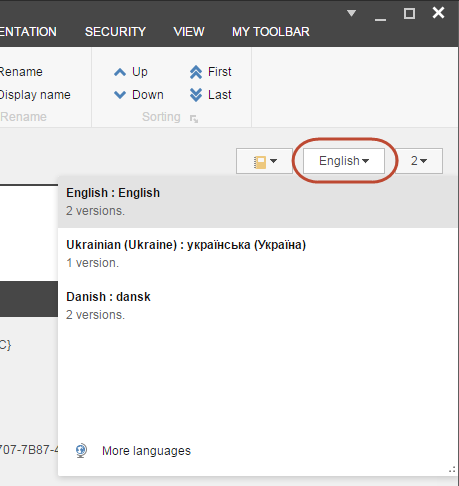
-
To switch to another version, click the relevant version in the Version number or the Language drop-down menus.