Calculate the estimated audience size
Feature availability is part of a phased rollout. Your organization may not see this functionality yet. It will become available when your environment is included in the rollout.
Calculate the estimated audience size to understand how many profiles match the current audience rules before you set the audience live.
You can calculate the estimate when you create an audience or edit audience rules in Audience builder.
As a best practice, review the estimate to check whether the current rules match the profiles you want to include, especially when the audience uses multiple rules or rule groups.
To calculate the estimated audience size:
-
In the navigation menu, click Performance.
-
In the left-hand pane, select Audiences.
-
On the Audiences page, open the audience you want to review.
-
In Audience builder, in the right pane, under Audience size, click the calculate icon .
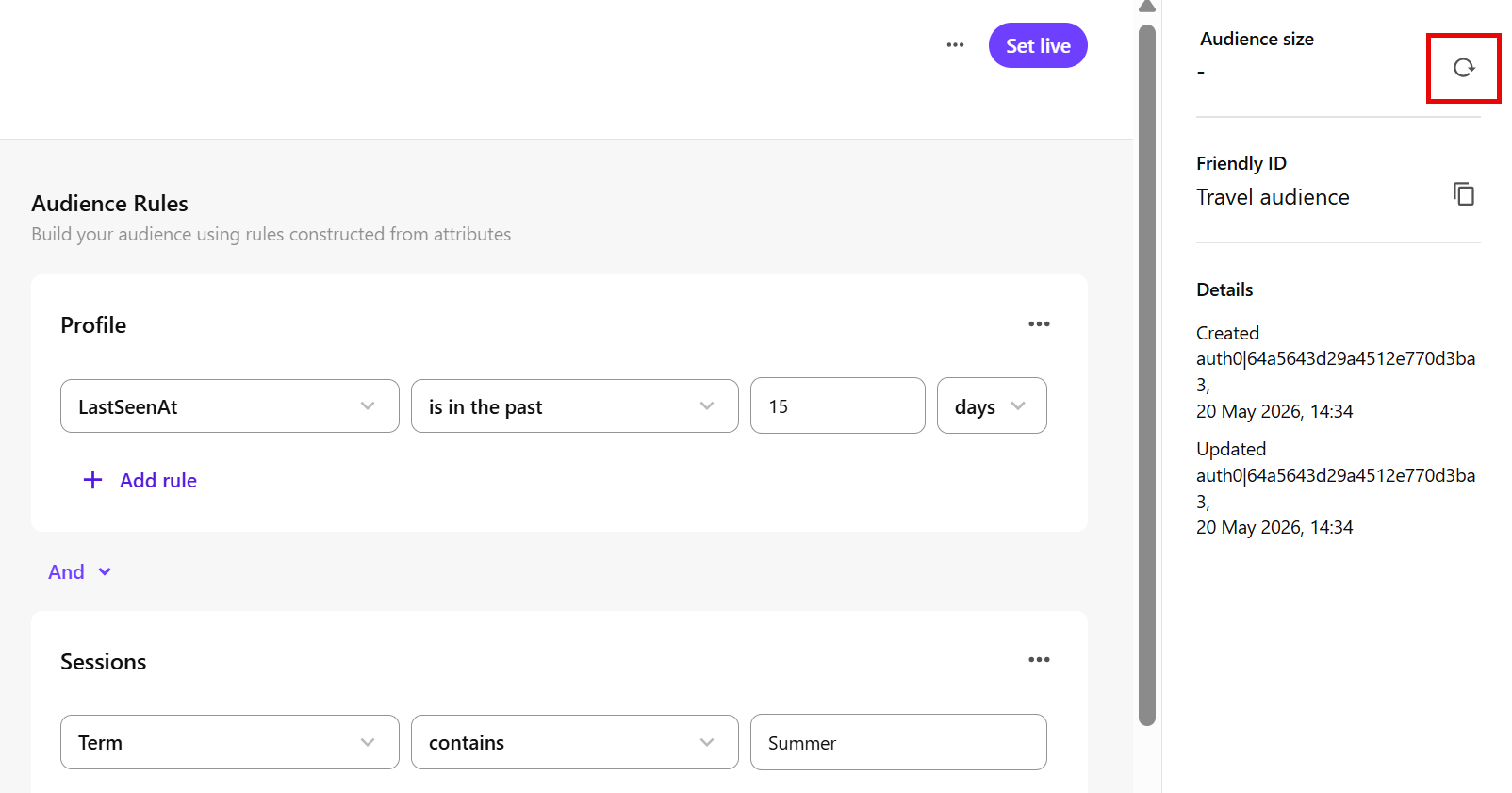
-
Wait for the calculation to complete.
The calculation might take a few minutes. When complete, Estimated profiles shows the approximate number of profiles who match the current audience rules.
Review the estimate as you refine your rules, then update the audience as needed before setting the audience live.
NoteIf you change the audience rules after calculating the estimate, click the calculate icon to refresh it.