View and edit brand context files
Brand context files contain information that AI agents can use during supported workflows. The files are generated when SitecoreAI analyzes a selected source, and admins and owners can refine them after creation.
Any user with access to brand context can view the files. Only organization admins and owners can edit them.
View brand context files
View brand context files to check the brand information available for a selected brand context.
To view brand context files:
- In the top-right corner of the page, click Brand Context .
- On the Brand context page, click the brand context whose files you want to view.
- In the file explorer, click the folder that contains the file you want to view.
- Click the file. For example, click the Content Guidelines folder, then open the Style Guide file.
- Review the content for accuracy, relevance, and completeness.
- Repeat the steps to view other files.
Edit a brand context file
Edit a brand context file to correct generated content, remove irrelevant information, or add approved brand information.
To edit brand context files, you must have an Organization Admin or Organization Owner role in Sitecore Cloud Portal.
To edit a brand context file:
-
In the top-right corner of the page, click Brand Context .
-
On the Brand context page, click the brand context whose files you want to edit.
-
In the file explorer, click the folder that contains the file you want to edit.
-
Click the file. For example, click the Content Guidelines folder, then open the Style Guide file.
-
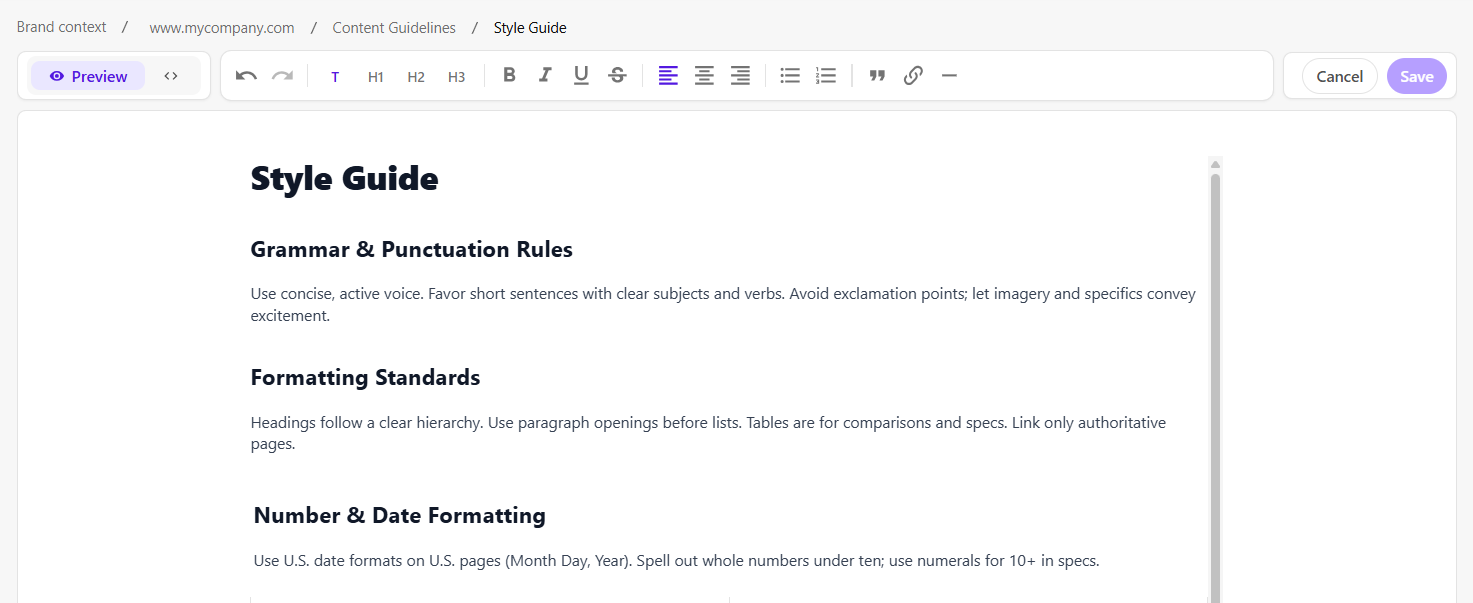
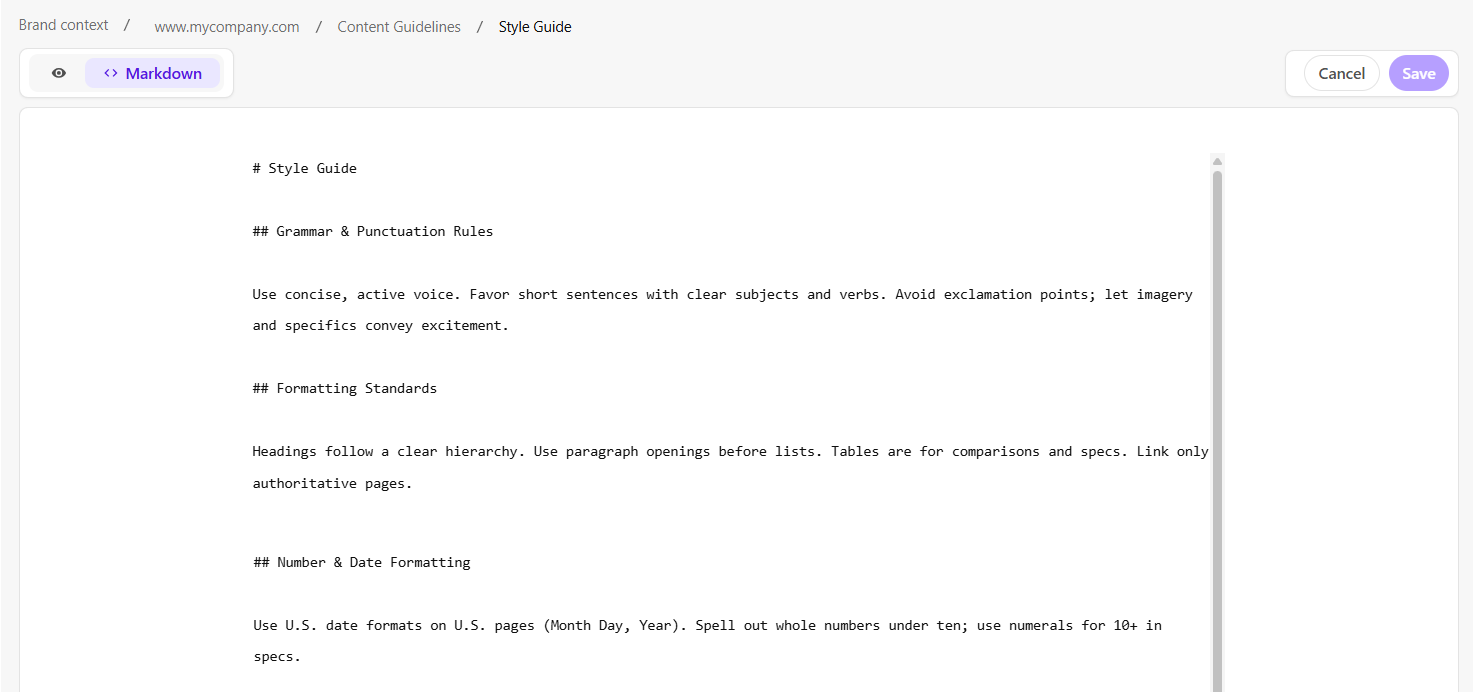
Edit the content using one of the following tabs:
- Preview - use the rich text editor to edit and format the content.
- Markdown - edit the plain text content using Markdown syntax.
- Preview - use the rich text editor to edit and format the content.
-
Click Save.
After you save your changes, the updated information becomes part of the brand context. AI agents can use it in future supported workflows when it is relevant to the task.