Download a media item
Note
Feature availability is part of a phased rollout. Your organization might not see this functionality yet. It will become available when your environment is included in the rollout. In the meantime, use the Media Library.
You can download a media item when you need a copy.
To download a media item:
-
On the menu bar, click Content >
 Media.
 -
On the Media page, click the media item you want to download to open the media details dialog and, in the in the Actions section beneath the image thumbnail, click
 Download.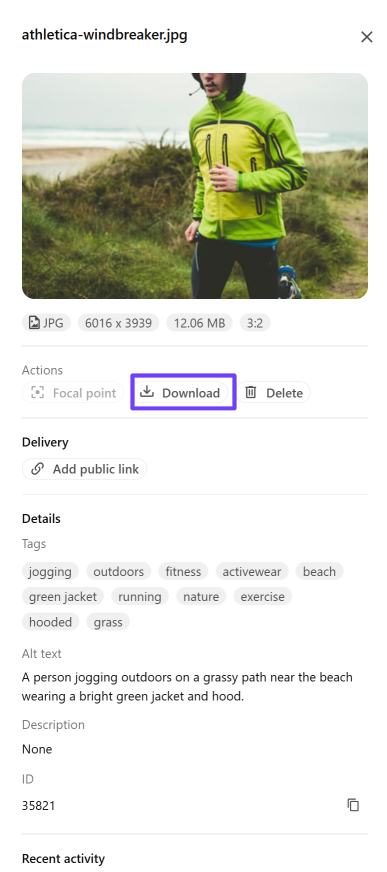
Note
It is not currently possible to download media items in bulk.