SitecoreAI DAM
Feature availability is part of a phased rollout. Your organization might not see this functionality yet. It will become available when your environment is included in the rollout. In the meantime, use the Media Library.
The Media page is a core part of the SitecoreAI Digital Asset Management (DAM) vision and represents the next generation of the Media Library. It builds on familiar asset management capabilities while delivering a more intuitive and streamlined experience. By making it easy to upload, organize, and manage images and videos in one place, the Media page helps teams create engaging, on‑brand content more efficiently. Automatic tagging and image alt text generation during upload support search engine optimization (SEO) and Web Content Accessibility Guidelines (WCAG) compliance, improving both discoverability and accessibility.
Sharing media publicly or with collaborators is as easy as adding a public link and then setting a link availability period. This simplifies and improves the process of delivering media to your channels or sharing media with others.
To speed up everyday work, the Search media field shows recent searches and recently viewed media, so you can quickly return to the content you use most.
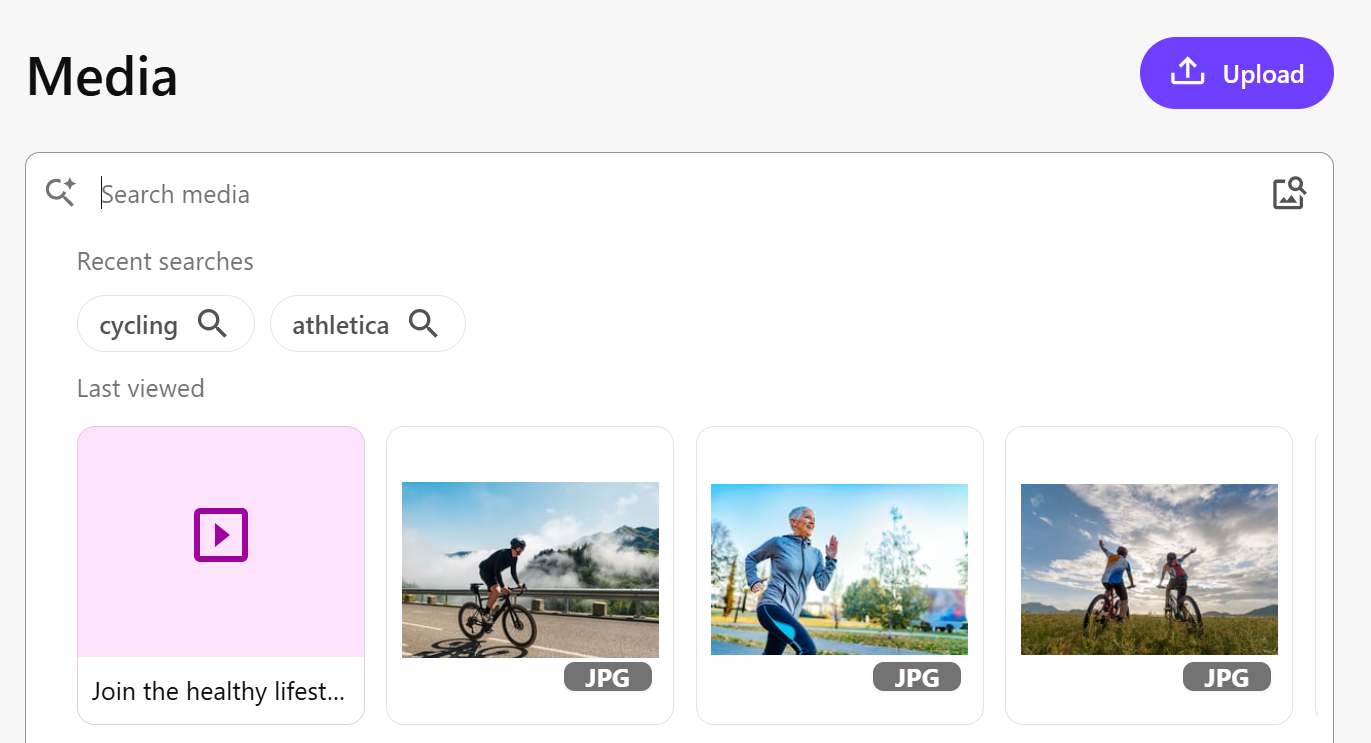
Each media file becomes a media item in SitecoreAI when you upload it and it is added to the Media page. After you upload your media files, on the Media page, you can:
If you click a specific media item, it opens a details dialog that provides more information about the item. From here, you can perform the following actions: