Guidelines for Do's and Don'ts in brand kits
The Do's and Don'ts section of a brand kit defines rules for tone, language, style, terminology, and brand usage. These rules are evaluated by AI across content generation, optimization, and conversational responses to ensure both the brand voice and AI responses remain consistent. They are also applied during translation together with terms defined in the Glossary and Localization section.
Do’s and Don’ts rules influence not only what the AI says, but also how it responds, such as phrasing, level of formality, preferred terminology, and response behavior in chat-based interactions.
Do’s and Don’ts rules can be generated automatically during brand kit creation and document ingestion, or added or refined manually by brand kit admins.
For these rules to take effect, the site you're working with must have a brand kit assigned.
How Do’s and Don’ts rules are applied
Do’s and Don’ts rules are applied by AI in the following scenarios:
- Brand Assistant chats - rules guide how the assistant responds.
- AI-assisted content optimization - rules help improve the text in components.
- AI-assisted site and page translations - rules help ensure consistency and accuracy across languages, and are considered together with the terms defined in the Glossary and Localization section.
Some rules apply across all AI interactions, while others are evaluated only in specific scenarios.
Add Do's and Don'ts rules in a brand kit
Admins can manually add new rules in the Do's and Don'ts section of a brand kit to guide how the AI responds in specific situations, such as tone, response style, or how certain questions are handled.
These rules are applied during Brand Assistant chats, AI-assisted content optimization, and site and page translations. During translation, they are applied aside from any terms defined in the Glossary and Localization section.
Make sure you check existing rules. The Do's and Don’ts section might already be prefilled from the brand kit ingestion process.
To add Do's and Don'ts rules in a brand kit:
-
In the navigation menu, click Design. Then, in the left sidebar, select Brand kits.
-
On the Brand Kits page, click the brand kit you want to edit.
-
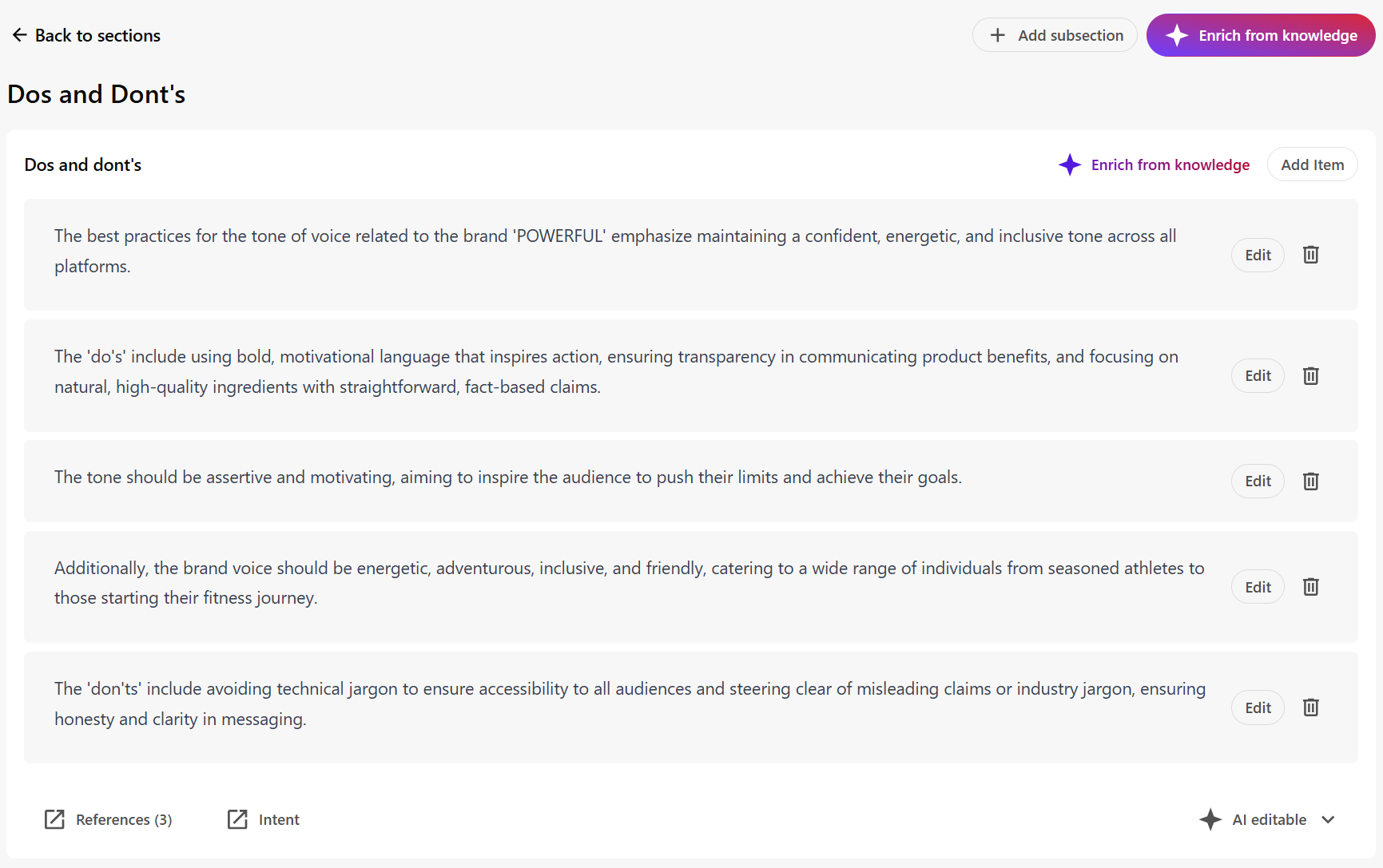
On the Sections tab, click the Do's and Don'ts section.
-
Do one of the following:
-
Click Edit to modify any existing rule generated from uploaded brand documents.
-
Click Add item to create a new rule and provide an example for context.
TipWhen adding or editing rules, keep the following in mind:
-
Avoid duplicates or contradictions - update existing rules instead of adding conflicts.
-
Follow best practices for Brand Assistant chats and terminology handling in translations.
-
See examples of Brand Assistant chat and translation rules.
-
-
Click Save to apply your changes.
-
To prevent manually added rules from being overwritten during future document reprocessing or enrichment, in the lower-right corner of the section, click
 AI editable > Non AI editable.
Using Extend and Restrict rules for Brand Assistant chats
For Brand Assistant interactions, Do’s and Don’ts rules can be used to control how AI responds to user questions and requests by defining Extend and Restrict rules. These rules affect response behavior, such as phrasing, structure, and what information is included or excluded.
Using Extend and Restrict rules is optional. If they are not defined, the Brand Assistant interprets and applies the Do’s and Don’ts rules automatically based on context.
Extend rules
Extend rules modify Brand Assistant responses by appending, replacing, or injecting predefined content. They can apply globally or only when specific conditions are met.
Use Extend rules when you want to add guidance or messaging without blocking the Brand Assistant from answering.
Syntax: #Extend#
Extend rule examples
Respond in a specific way for a topic
Use when you want the Brand Assistant to return a predefined message whenever a topic is detected.
Example
Result
Instead of searching for information and generating its own answer, the Brand Assistant always returns the predefined message for pricing-related questions.
Add a message to all responses
Use when the same message must appear in every Brand Assistant response, regardless of topic.
Example
Result
The Brand Assistant generates its response and appends the same message every time.
Add a message for a specific subject
Use when you want the Brand Assistant to append a predefined message to its response only when a particular subject is detected.
Example
Result
The Brand Assistant responds normally and adds the message only for questions about Powerful products.
Restrict rules
Restrict rules prevent the Brand Assistant from responding to specific types of questions or performing certain actions.
Restrict rules are typically used for topics that the assistant must not answer directly, such as competitors, legal statements, or unsupported claims.
When a Restrict rule is triggered, the Brand Assistant does not generate an answer. Instead, it returns a predefined response to ensure consistent handling of restricted topics.
Syntax: #Restrict#
Restrict rule example
Block responses for a specific topic
Use when you want the Brand Assistant to stop generating its own answers and instead return a predefined response whenever a restricted topic is detected.
Example
Result
When a user asks a competitor-related question, the Brand Assistant does not search for information or generate an answer. Instead, it always returns the predefined response.
The response also includes the rule context to explain why the request cannot be fulfilled, ensuring consistent and transparent handling of restricted topics.
Using terminology rules for translation
For AI-assisted page and site translations, use the Glossary and Localization section to define how specific terms should be translated or excluded from translation. This is the recommended way to control terminology across target languages.
Aside from matching terms defined in the Glossary and Localization section, Do’s and Don’ts rules are also considered to guide how AI handles terminology.
During translation, terminology rules in the Do’s and Don’ts section help AI maintain:
- Brand consistency - brand names, trademarks, and key messaging remain correct across all languages.
- Accuracy - certain terms and phrases are translated, preserved, or adapted in ways that align with your brand.
- Clarity - unwanted or incorrect translations that could confuse your audience are avoided.
Best practices for translation-related rules
When creating Do’s and Don’ts rules for translation, structure your rules by intent. Clear intent helps the AI apply rules consistently and reduces conflicts. Follow these core principles before defining individual rules:
Core principles
Keep rules simple and specific
Avoid vague instructions. Write clear rules with enough detail for AI to understand how to handle translation.
Example of a vague rule
Example of a clear rule
Maintain consistency
Avoid overlapping or conflicting rules. Too many exceptions can lead to unpredictable behavior.
Examples of conflicting rules
Provide one example per rule
Examples clarify intent and help validate translation outcomes. Identify specific terms using quotation marks.
Example
Use rule types
Organize terminology rules based on the type of translation behavior you want to control.
Example
Translation rule types
Write each rule as a clear instruction, followed by one or more examples showing how the rule applies in context.
The examples in this section use English-to-Greek translations for illustration. The same rule types apply to any source and target language.
Rules for terms that must always be translated
Use these rules to ensure specific terms are translated consistently into their approved local equivalents.
Examples
Rules for terms that must never be translated (protected terms)
Use these rules to protect brand names, product names, or technical identifiers.
Examples
Rules for terms that should be adapted (localization rules)
Use these rules when content should be localized rather than translated literally.
Examples