Demo
Below there is an example of a page view with an external component configured for Google Cloud Natural API text analysis. After certain content has been updated, it takes some time to perform the analysis. Once it's done the button becomes available.

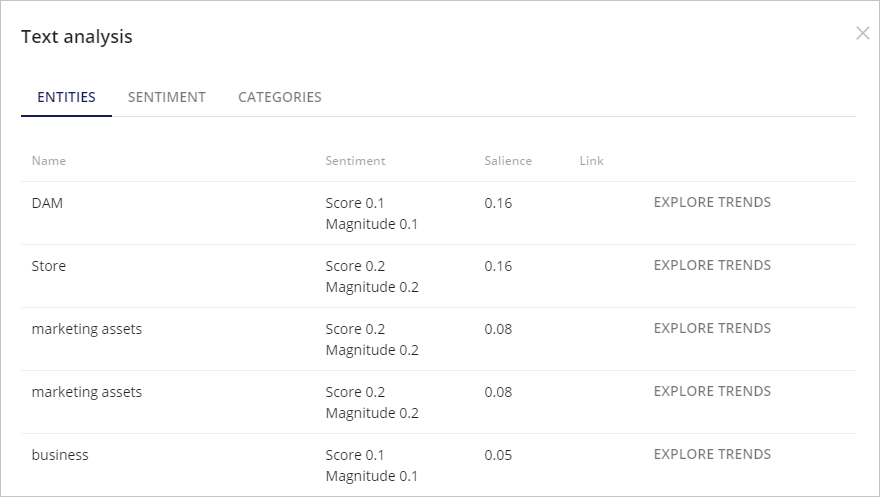
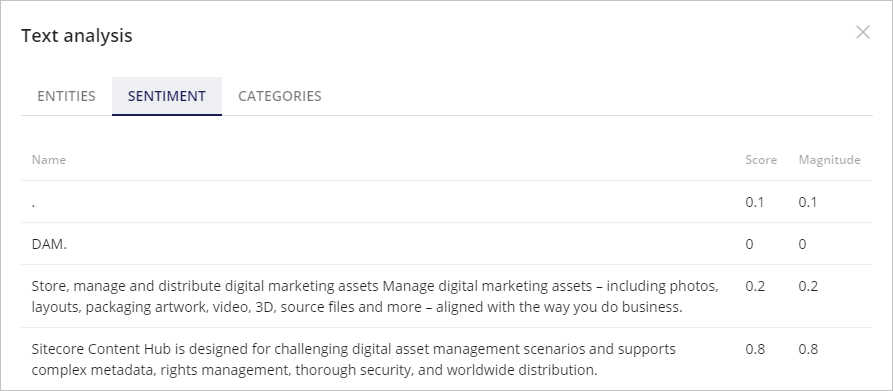
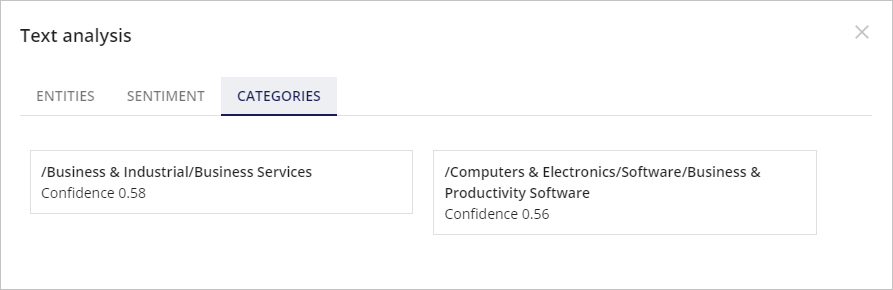
After clicking on the button, there will be opened a modal window with 3 tabs: Entities, Sentiment, Categories, representing data retrieved from Google Cloud Natural Language API.
Entities:
Sentiment:
Categories:
If you have suggestions for improving this article, let us know!