AI-assisted image alt text generation
AI capabilities in Content Hub need to be enabled and, if necessary, configured by a superuser or a user with the necessary permissions granted to them through user group policies.
To use AI-assisted capabilities, you must have a Stream subscription and, for some features, be a Stream Premium user. Contact your Account Manager for more information.
Image alt text makes content more accessible to visually impaired users by enabling screen readers to describe images. It also improves SEO by providing search engines with meaningful context about image content. AI-generated image alt text provides a useful starting point that you can review and refine.
In Content Hub, there are several ways you can generate image alt text. Which one you choose depends on whether you want to add image alt text on upload, add alt text manually one asset at a time or whether you want to add alt text in bulk.
| Feature | What it does | Prompt-based? | Use it for |
|---|---|---|---|
| Metadata enrichment | Automatically analyses image and vector assets and suggests metadata, such as tags and taxonomy values. It can also generate alt text for uploaded images. It does not support video or text fields. | No | Adding alt text in bulk using the Enrich with AI operation or automatically when you upload images. |
| Content generation | Helps you write and improve text in content item fields, such as titles, descriptions, and body fields, through a prompt-based interface. You can refine text to change the tone, fix grammar, translate text and so on. | Yes | Updating one asset at a time. |
| Alt text generation | Analyzes an image and generates descriptive alt text to improve accessibility (for screen readers) and SEO. | No | Updating one asset at a time. |
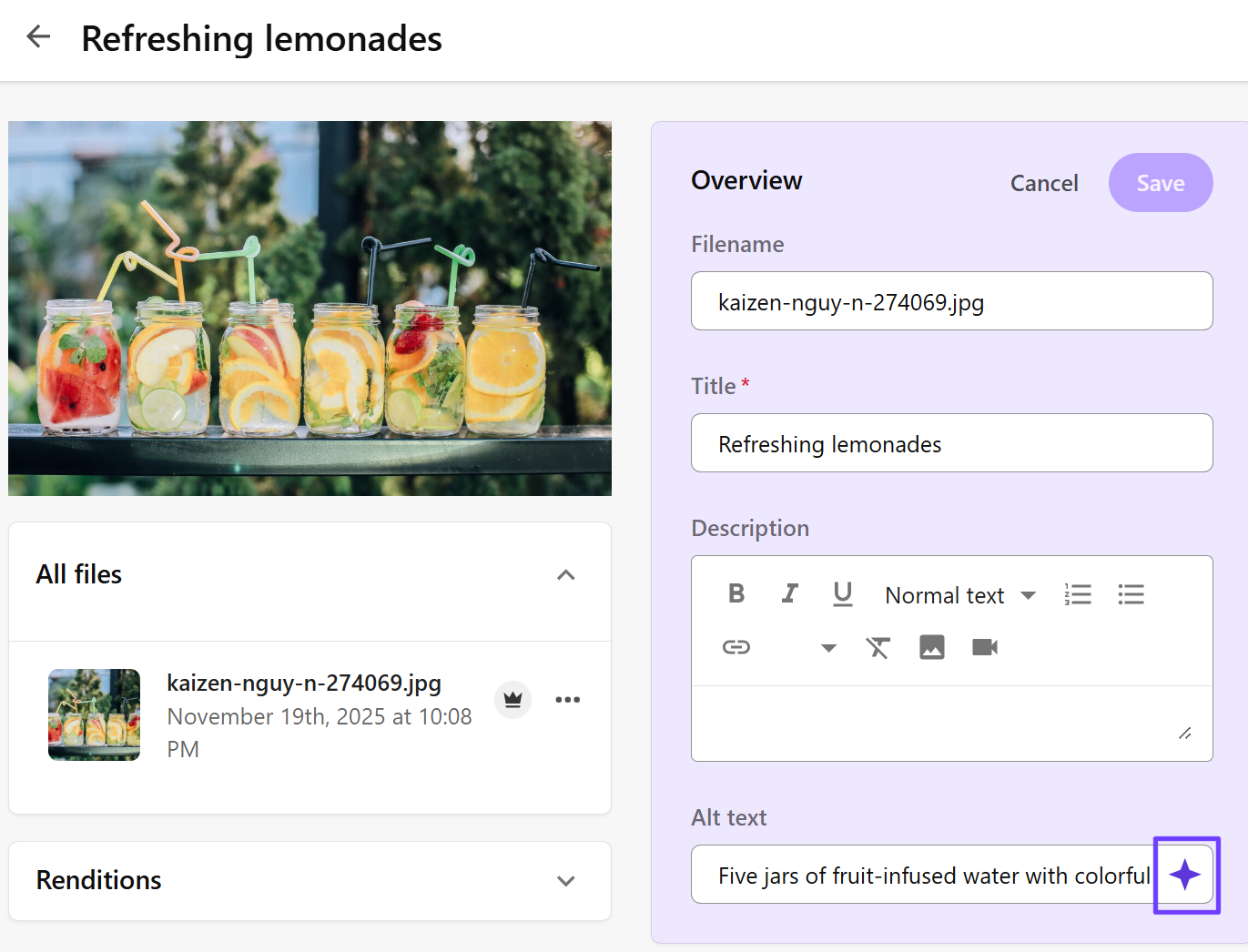
In the following example, the Alt text field displays the Generate with AI icon, which you use to create your alt text.