
Job state
In Sitecore Content Hub, the state of a background processing job indicates its current position in the overall workflow. The following diagram illustrates the various stages of that flow:
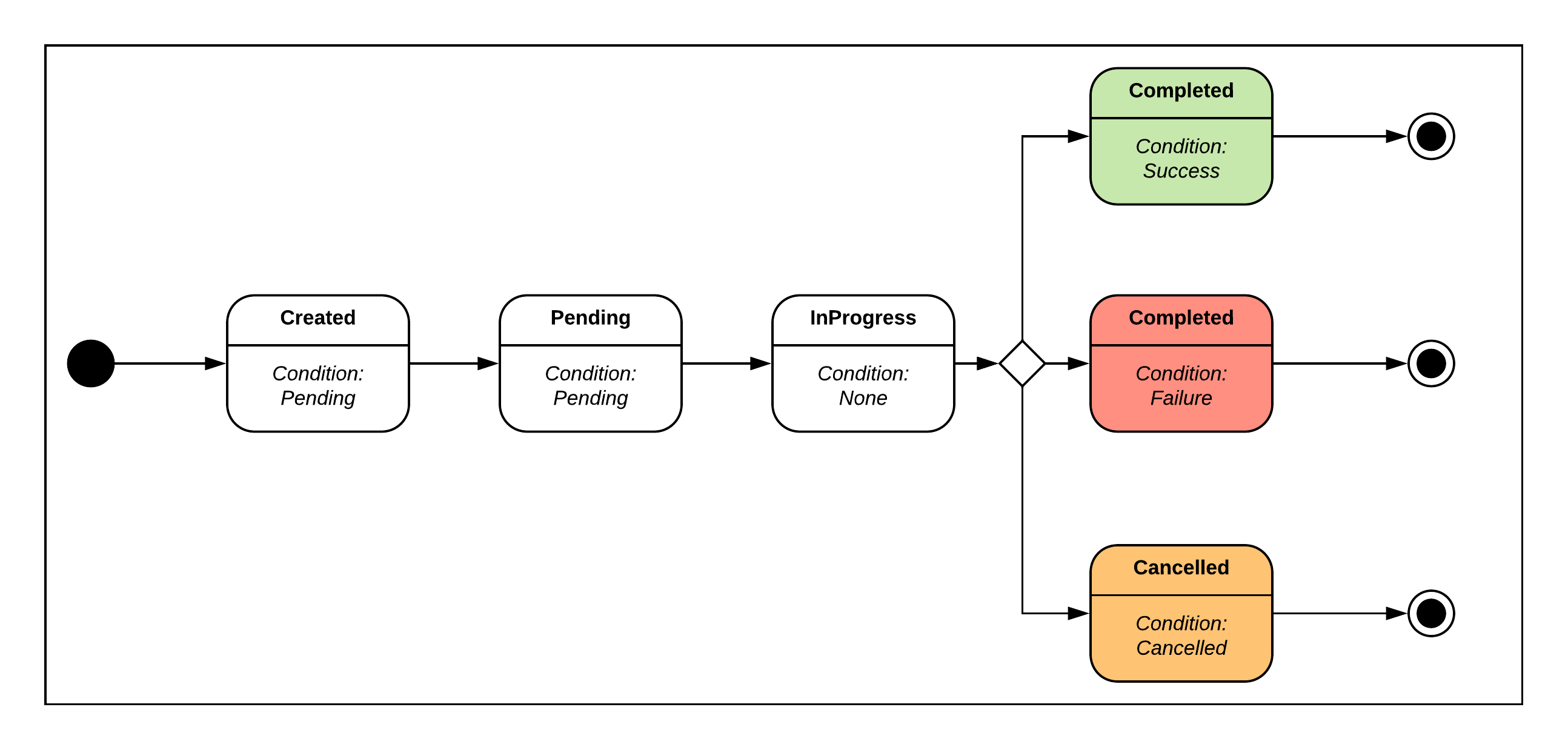
As well as a state, each job also has a condition. The following table describes the potential states and condition combinations, and their meanings.
| State | Condition | Description |
|---|---|---|
| Created | Pending | The created job is waiting to be queued. The job type impacts the duration of this state. |
| Pending | Pending | The job is in the queue waiting to be processed. Jobs stuck in a Pending state for over 48 hours are automatically marked as failed. This 48-hour threshold is not configurable. |
| InProgress | None | The job is being executed. |
| Completed | Success | The job execution has completed successfully. |
| Completed | Failure | The job execution has failed. |
| Cancelled | Cancelled | The job execution has been cancelled. |
A failed job cannot be restarted. You must create a new job if you want to try again.
Inactive jobs
Occasionally, a job can remain in the In progress state even after its associated flows have completed. To prevent jobs remaining in an ambiguous state, Content Hub applies two mechanisms:
-
For processing jobs (media processing) - if a processing job stops receiving heartbeats, the system automatically retries it up to 3 times before marking it as failed.
-
For all other job types - if a job has been scheduled for more than 48 hours with no updates, it is automatically transitioned to the failed state. After the transition, the cause of failure is visible on the job details page. If the job cleaner is configured to delete jobs after 1 or 2 days, the cleaner takes precedence. In this case, the job is deleted directly without first being transitioned to the failed state. This behavior applies only to all scheduled jobs, including pending ones.
Troubleshooting failed jobs
The 48-hour transition occurs when a job's status could not be updated normally due to infrastructure-level conditions that are not user-recoverable. If a job appears on your Background processes page with a Failed state after having been in progress for an extended period:
-
Open the job details page and note the cause of failure.
-
Retry the operation from the source (re-upload, re-run the mass edit, and so on).
-
If the issue recurs or affects multiple jobs, contact Sitecore Support and reference the affected job IDs.