Enable automatic metadata enrichment on upload
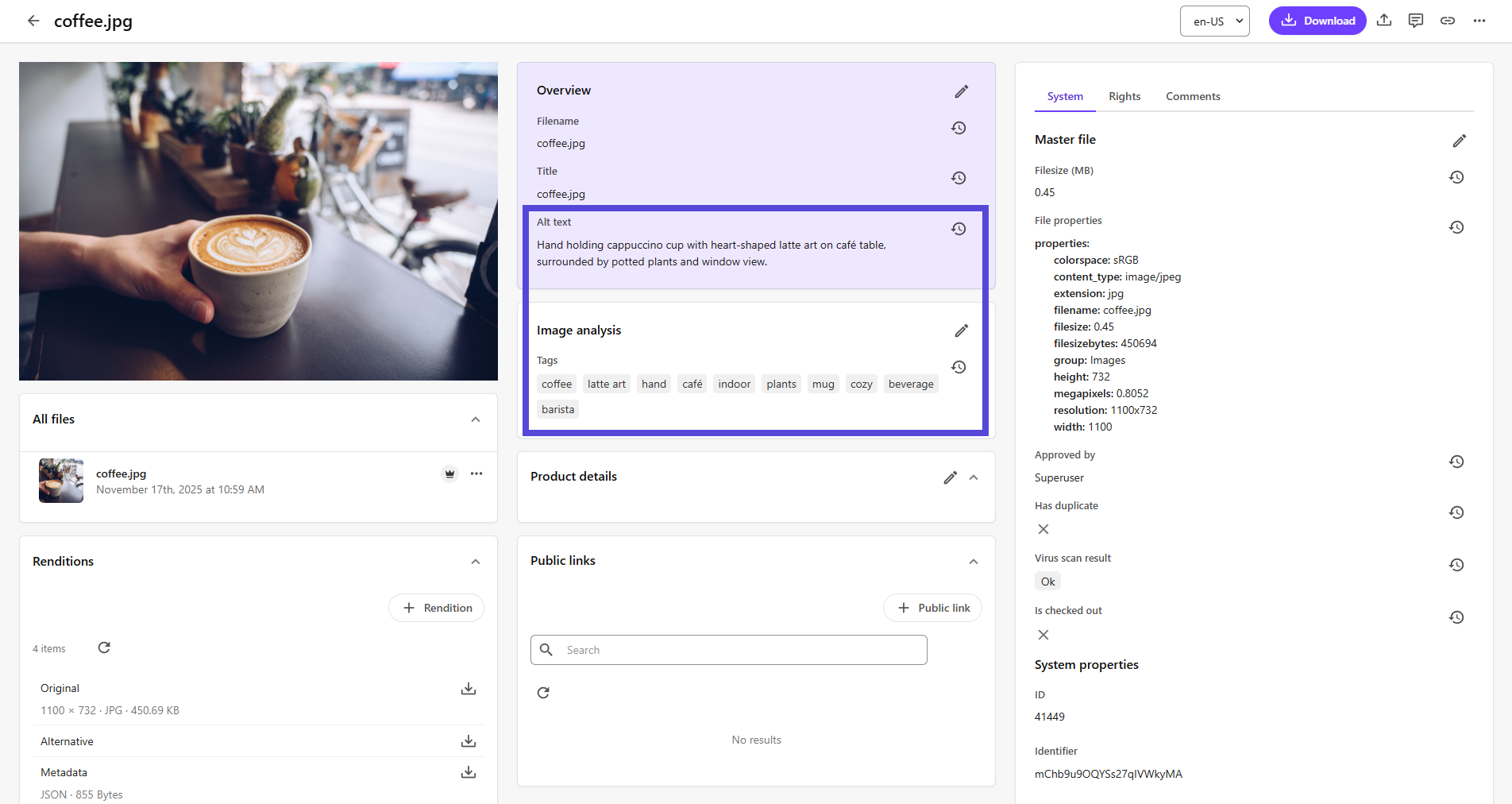
You can configure Content Hub to automatically enrich image metadata with AI whenever an image is uploaded. When enabled, a processing job for metadata enrichment will be created for each image after it is uploaded.
Note
Automatic metadata enrichment does not support uploads via public links.
Before you begin
-
Create the AI profile you want to use to automatically enrich image metadata.
To enable automatic metadata enrichment when you upload an image:
- On the menu bar, click Manage .
- On the Manage page, click Pages.
- On the Pages page, in the left pane, search for and select the Create component (Home > Create).
- On the Layout tab, next to the Creation component, click Enable custom settings , and then click the Creation component.
- On the Creation component page, ensure the Upload files switch is turn on.
- In the left pane, click Upload files and,in the Enrich with AI section, in the AI profile drop-down list, click the AI profile you want to use.
- Click Save.
If you have suggestions for improving this article, let us know!