Create and assign a to-do task
To improve collaboration on creative and marketing briefs, you can create to-do tasks and assign them to the relevant person to complete. A list of tasks is displayed on the details page for each brief.
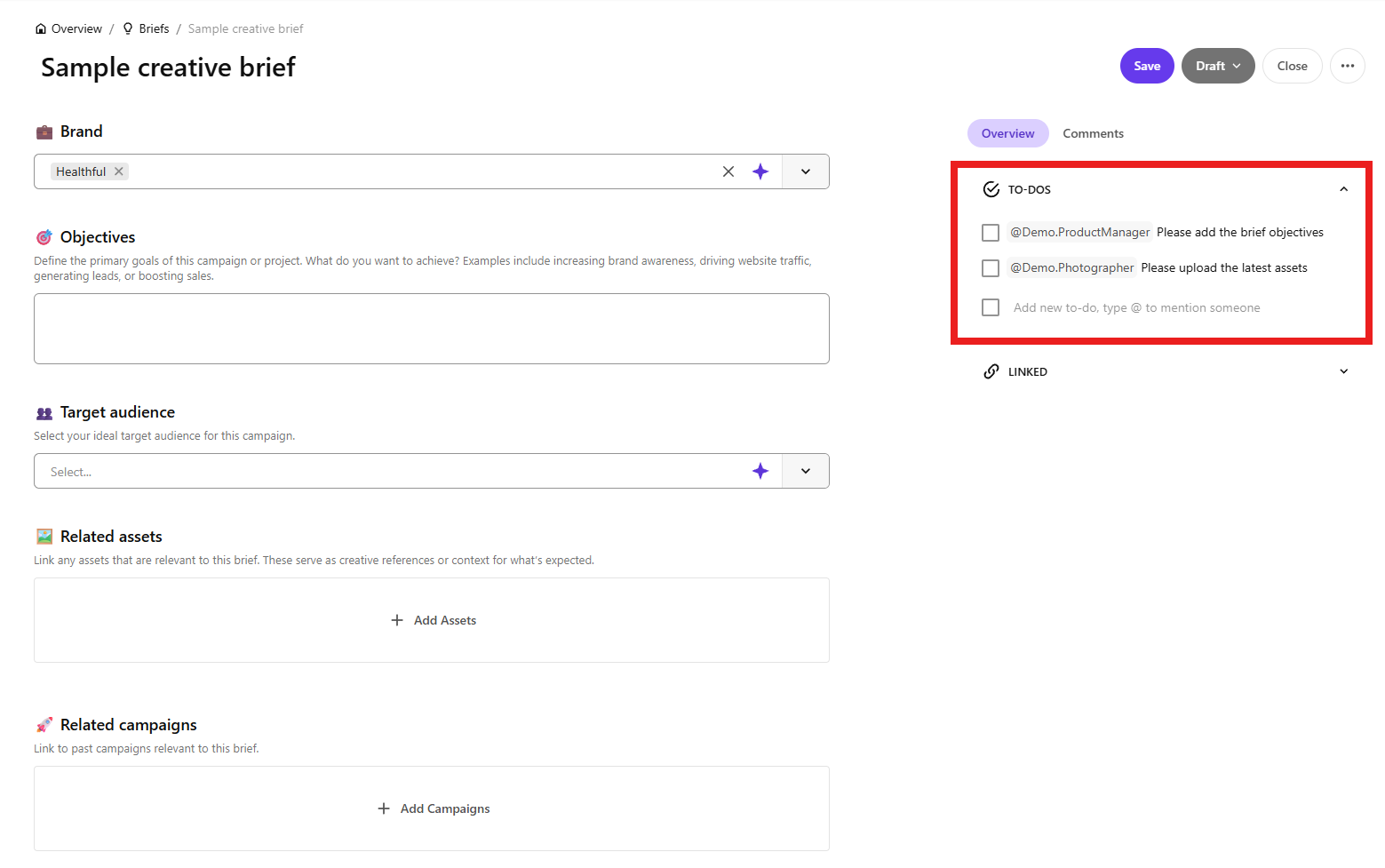
The to-do task is also displayed on the Content Operations > To-do page for the logged in user.
Note
When a to-do task is checked off, it is removed from the overview page of the logged-in user.
To create and assign a to-do task:
- On the menu bar, click Content Operations.
- On the Content Operations page, in the left pane, click Briefs.
- In the list of available briefs, click the brief for which you want to create a to-do task.
- On the brief details page, in the upper-right corner, click next to a check box, and define a new task.
- To assign the task to someone, enter the @ character, type the user name to select the one you want and then press Enter. The to-do task is added to the To-dos page for the specified user.
- Click Save.
If you have suggestions for improving this article, let us know!