Create conversion settings
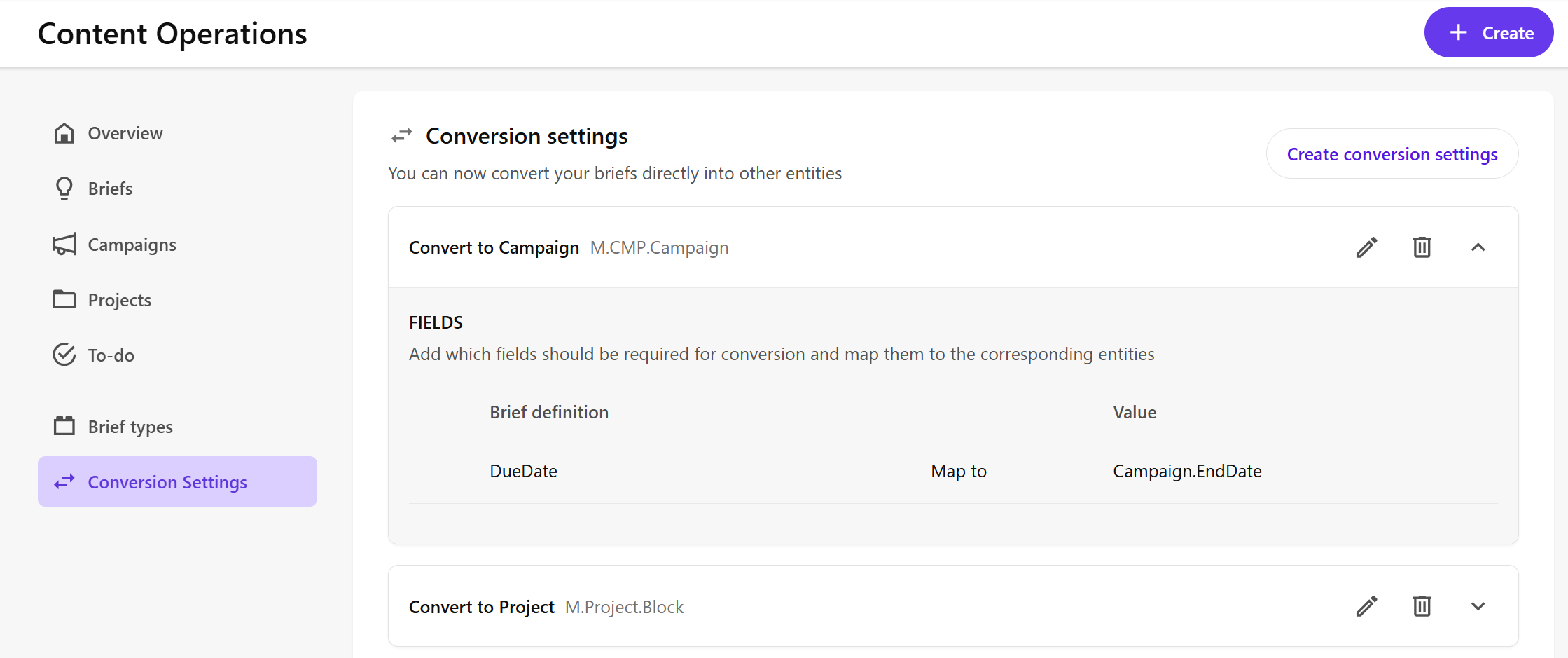
Conversion settings define the brief fields that will be mapped to campaign or project fields when converting a brief to a campaign or project.
When you convert a brief to a campaign or project, the brief's mapped field values will automatically be added to the corresponding campaign or project fields.
- Create the brief that you want to create conversion settings for.
To create conversion settings:
-
On the menu bar, click Content Ops.
-
On the Content Operations page, in the left pane, click Conversion settings.
-
On the Conversion settings page, click Create conversion settings.
-
In the Create Conversion Setting dialog, in the Name field, enter a name for the conversion setting.
-
In the Definition drop-down list, select a campaign or project definition.
-
Click Create.
After creating the conversion settings, you need to add fields and map them to the corresponding entities.
-
Locate your newly created conversion settings on the Conversion settings page and click Edit settings .
-
Click Add field, then:
- In the Brief definition drop-down list, select the brief field you want to get the value from.
- In the Value drop-down list, select the entity field that will be filled with the brief field value.
-
Repeat step 8 until you have mapped all the desired fields, then click Save.