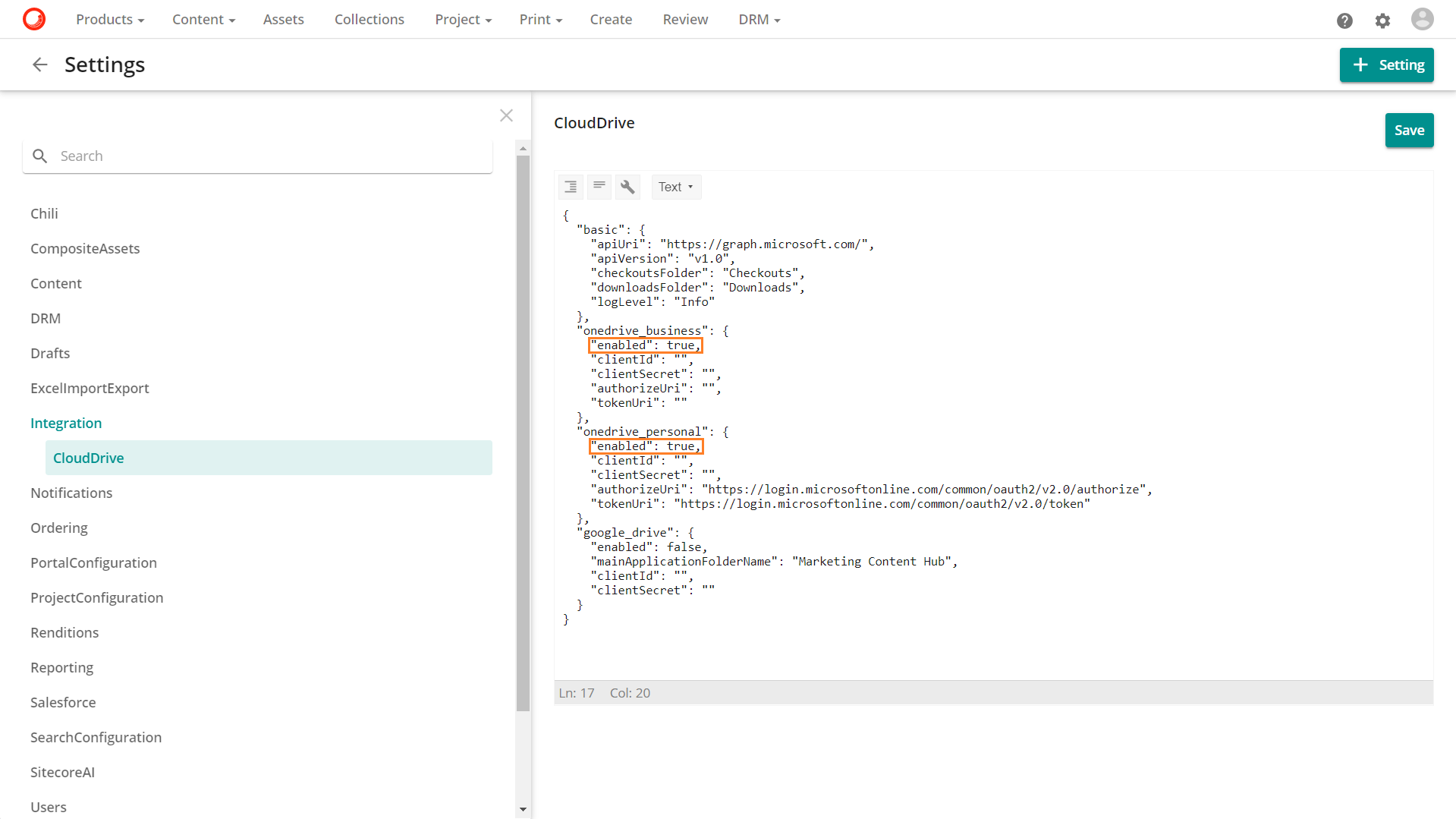
Enable CloudDrive
The CloudDrive integration setting configuration depends on the Sitecore Content Hub version you're using.
Version 3.4.0
In the version 3.4.0, the CloudDrive integration setting is system-owned, meaning it requires administrative access. You can see the configuration as described in the next section, but you need to contact your account manager to update the setting.
Versions 3.4.1 and higher
In the versions 3.4.1 and higher, the CloudDrive integration setting is no longer system-owned, meaning it can be edited by superusers.
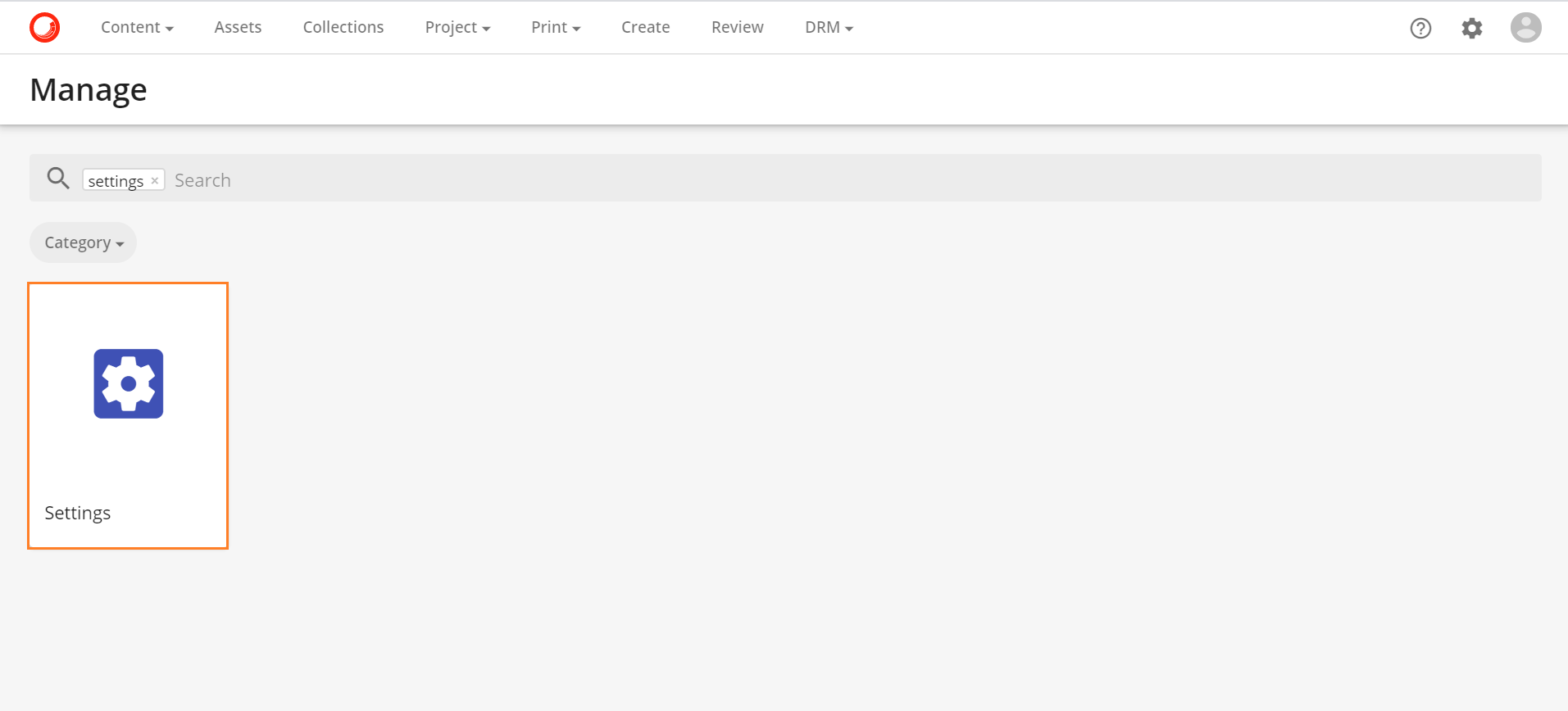
If you wish to connect your Sitecore Content Hub profile to your personal or business OneDrive account, navigate to Settings found under Manage:
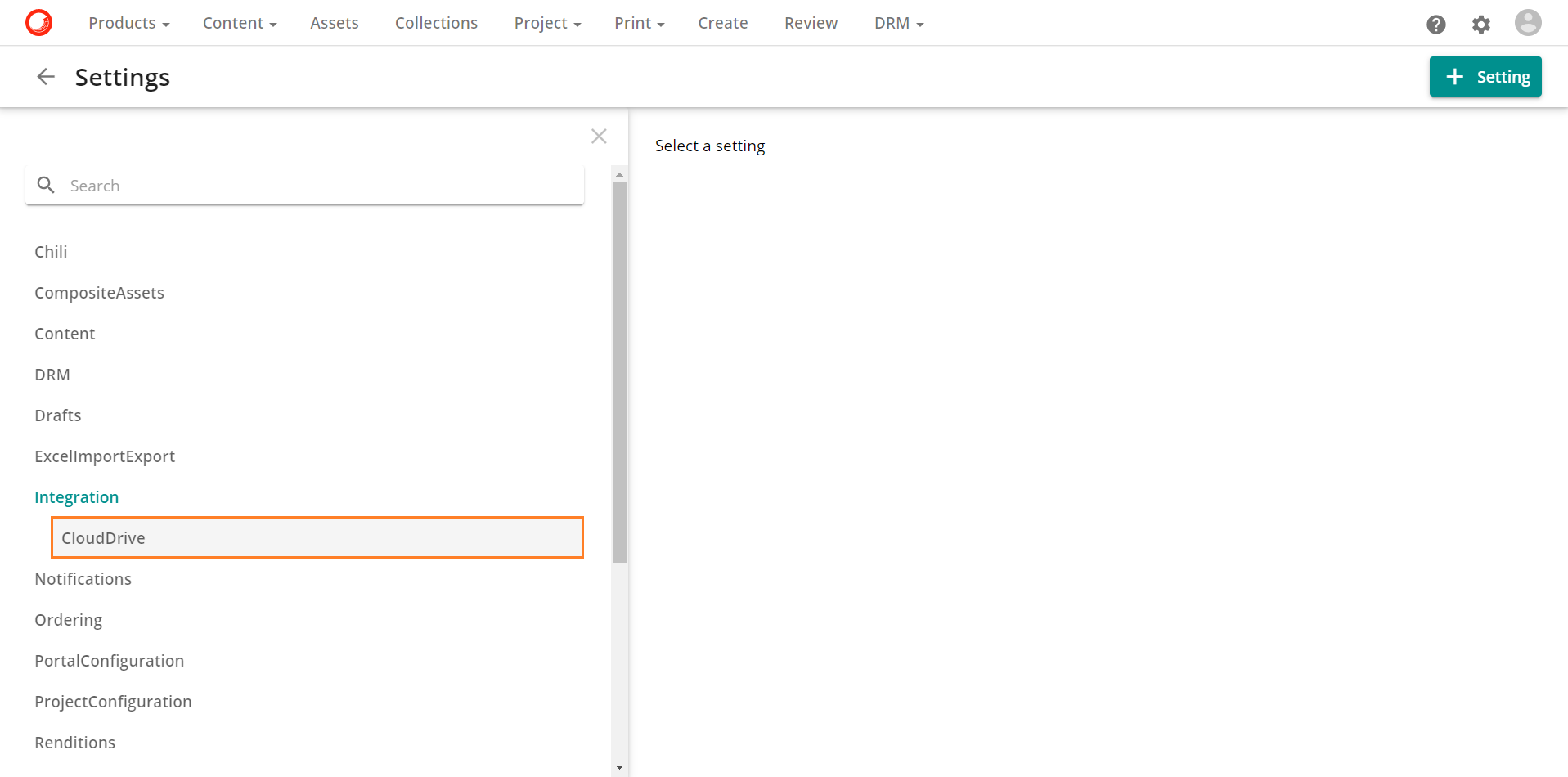
On the Settings page, select the Integration option then select CloudDrive:
In the OneDrive editor, change the value of enabled to true in the business settings for OneDrive for Business, in the personal settings for OneDrive personal or both values: