Enable the external asset picker in the rich text editor
Note
To configure Content Hub, you must either be a superuser or have the necessary permissions granted to you through user group policies.
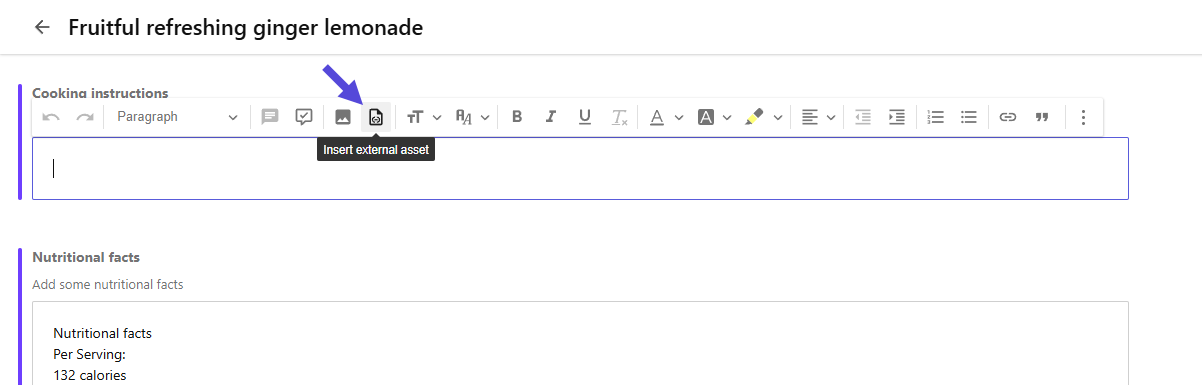
If you want to insert an external DAM asset in a rich text field of a content item, you must first enable the Insert external asset button.
Before you begin
- You must have a Content Operations license.
To enable the Insert external asset button:
- On the menu bar, click Manage .
- On the Manage page, click Settings.
- On the Settings page, select ExternalAssets.
- In the JSON editor, set the
enableproperty totrue, and then click Save.
After saving, users can use the Insert external asset button to insert an asset from an external DAM platform when editing rich text fields on a content details page.
If you have suggestions for improving this article, let us know!