Insert an external DAM asset in a rich text field
If your organization uses another DAM platform, you might want to include an asset from that platform when creating content.
From the content details page, users can add assets from a supported external DAM platform to a rich text field of a content item.
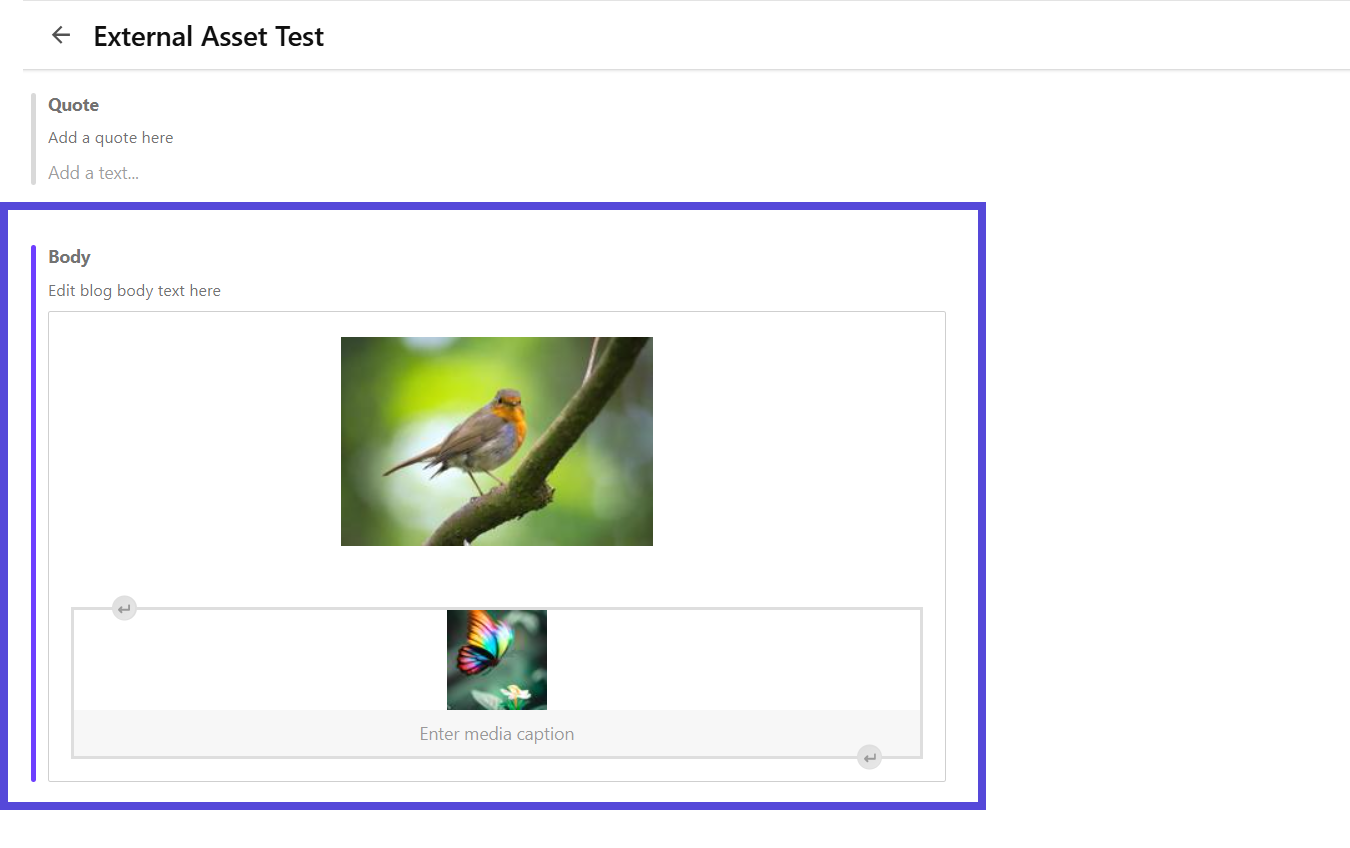
External assets inserted through the rich text editor are not stored in Content Hub. They are added as references using public URLs provided by the external DAM.
Currently, the only supported external DAM is Bynder.
You must:
-
Have access to a supported external DAM platform.
To insert an asset from an external DAM platform:
-
Open the relevant content details page, then click the rich text field where you want to insert an external DAM asset.
-
On the rich text editor toolbar, click Insert external asset .
-
If prompted, in the Insert external asset dialog, follow the steps to log in to your external DAM platform.
NoteSession duration and re-authentication frequency are determined by your external DAM configuration.
-
In the Insert external asset dialog, find and select the asset you want to insert.