Use persistent column settings in the mass edit table
You can choose which columns to show or hide in the mass edit table view. If you hide a column, it stays hidden when you reload the page. This feature is useful when you're working with a consistent set of columns and want to avoid reconfiguring your view each session.
To use persistent column settings:
- On the menu bar, click Assets.
- On the Assets page, select the assets you want to edit.
- Click Actions
 > Edit in table .
 - On the Asset mass edit table page, click
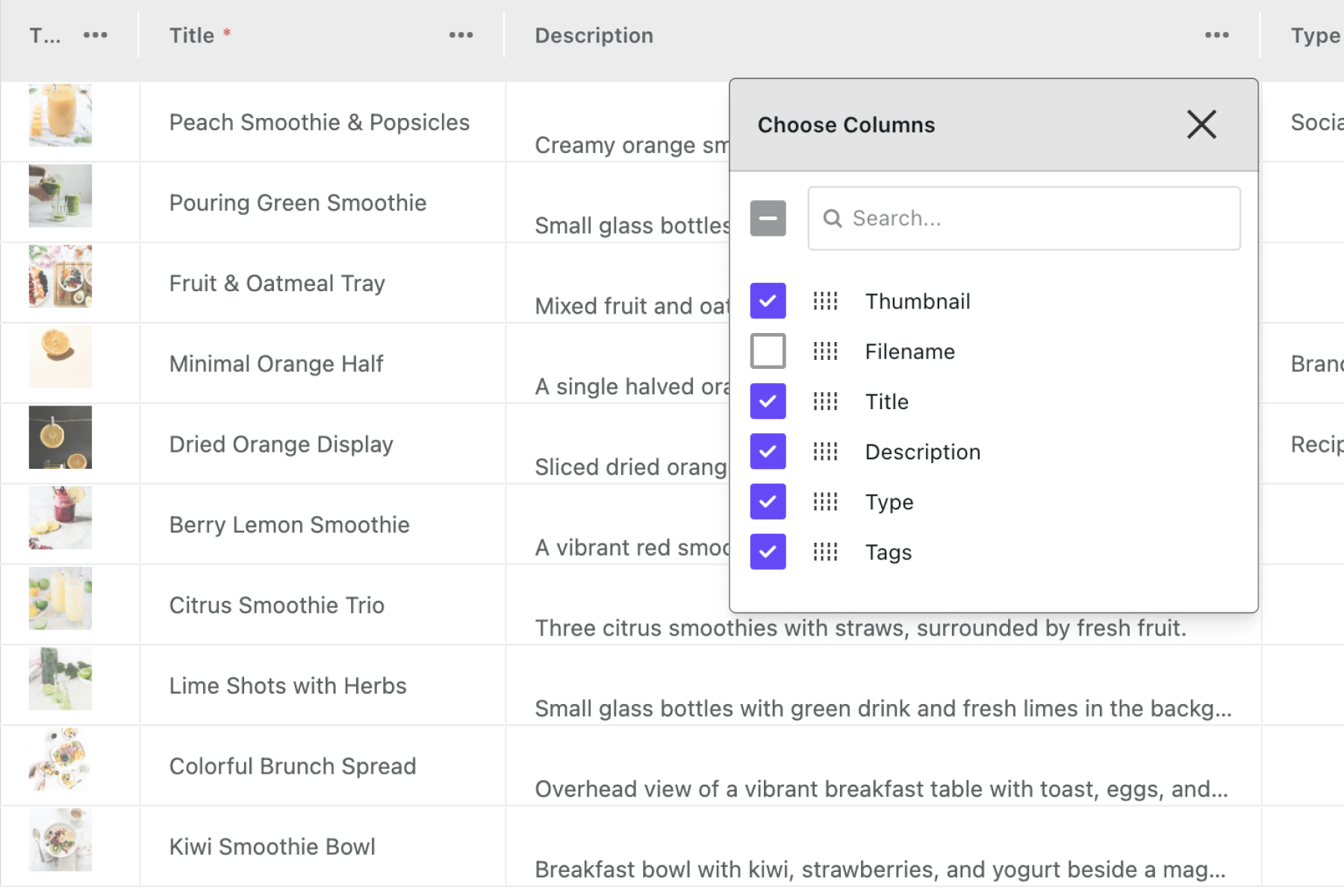
 on any column header and select Choose columns .
 - Deselect the columns you don’t want to see.
If you have suggestions for improving this article, let us know!