Apply advanced filters
On the Advanced tab, you can create filters based on key terms, dates, and operators (such as contains, is, and, or, and so on). The options available on this tab are configured as part of your Sitecore Content Hub implementation.
Advanced search does not index properties longer than 512 characters due to a limitation that cannot be changed. Fields that exceed this limit are treated as empty, which can affect filtering and sorting. Filters like contains, is empty, is not empty, and starts with may return unexpected results—for example, a long field may appear in is empty results or be skipped in contains. Similarly, sorting by such fields may not work as expected.
Examples
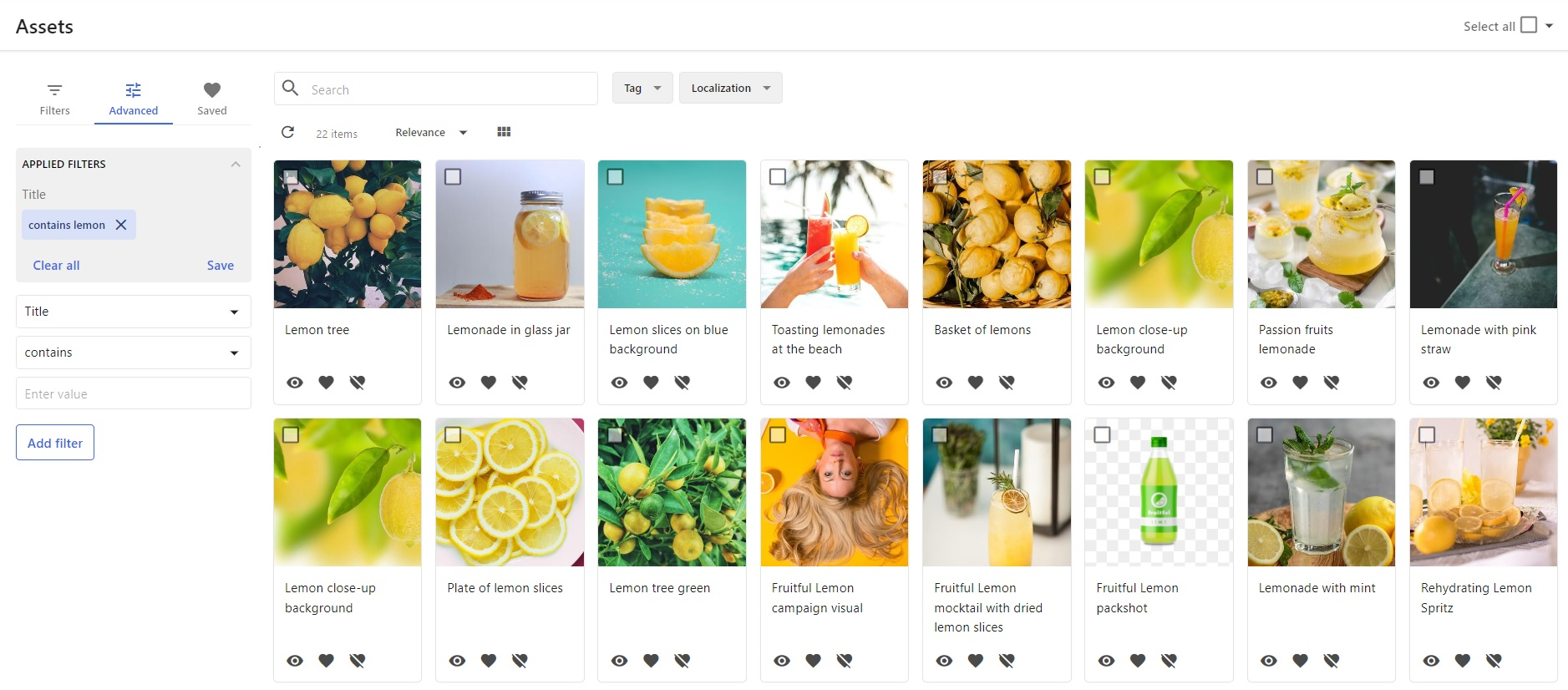
In the first example, the filter uses the Title property and the key term lemon.
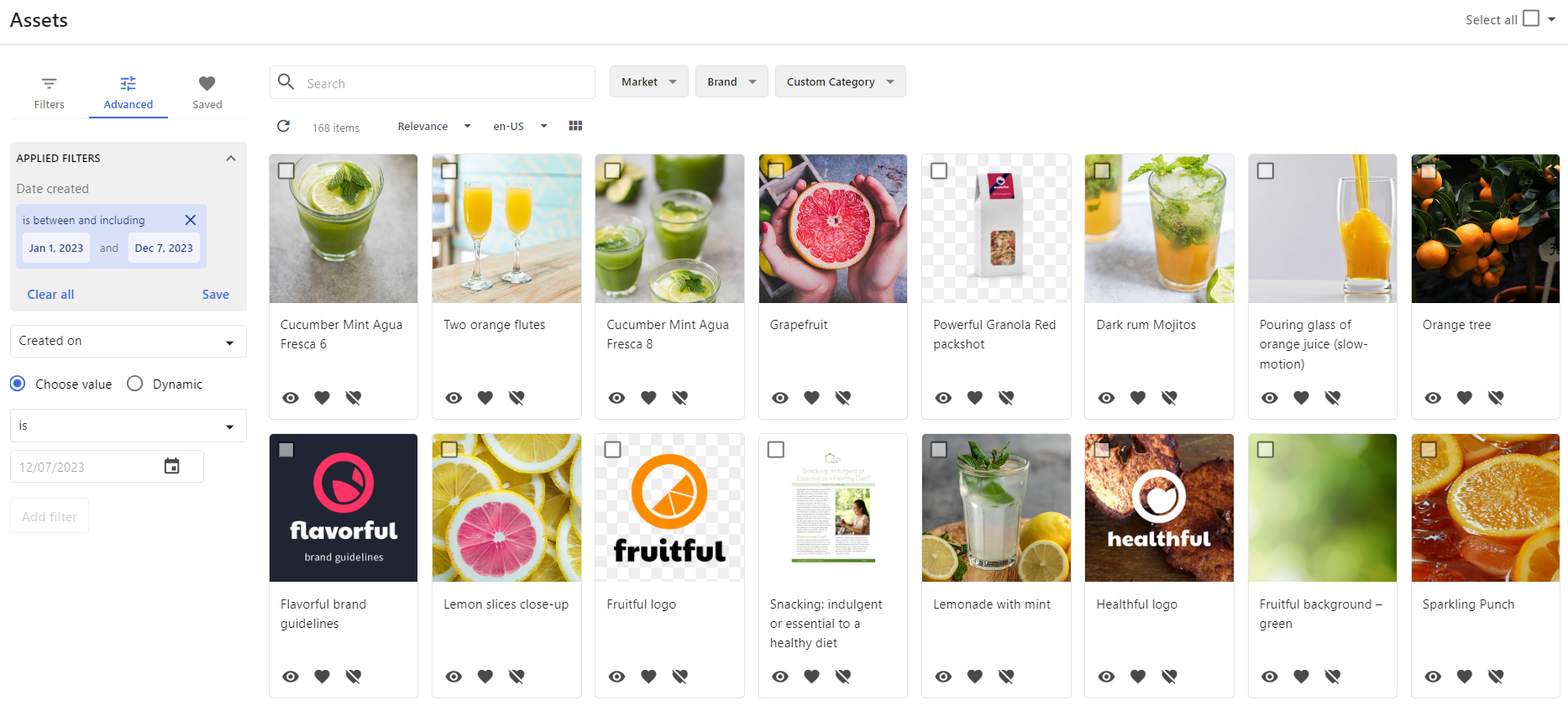
In the second example, the filter uses a created on date range.
To apply advanced filters:
- On the menu bar, click Assets, Content Search, or Project content), click the Advanced tab.
- On the Advanced tab, choose the property for the advanced filter.
- If applicable, select one of the following types:
- Choose value - A specific value for the filter condition (for example, April 7, 2022, or Joe Bloggs).
- Dynamic - A dynamic condition (for example, This week or Current user). If you choose this option, you do not need to choose an operator.
- Select an operator.
- If required, enter a value or, for date/time fields, select a date in the calendar.
- Click Add filter.
To remove all active filters, click Clear all.