Change thumbnail size
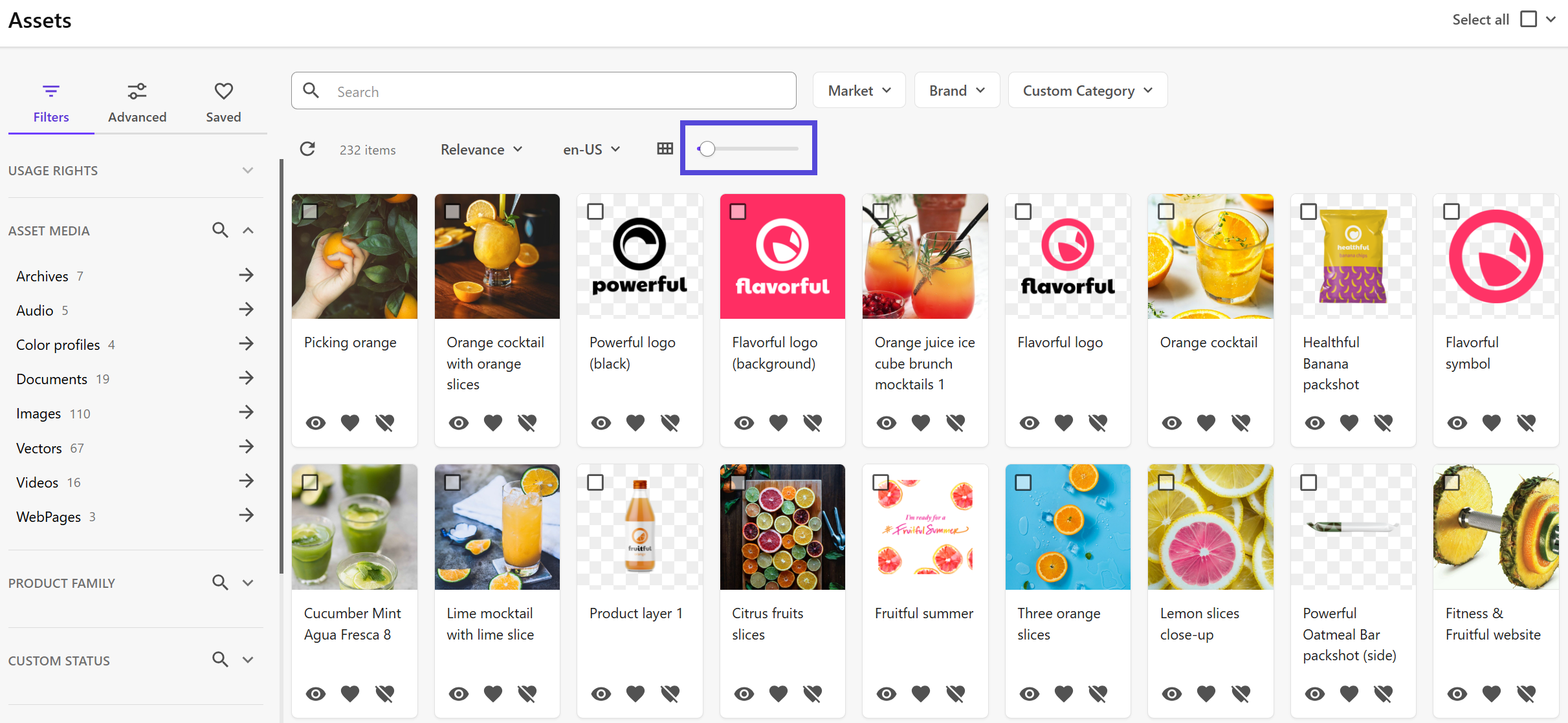
You can now adjust thumbnail sizes in grid view using a simple slider. If thumbnail resizing is enabled and your grid view is set to use Thumbnail in the icon and image settings, the slider will let you change the size of the preview thumbnails.
The last size you select will be remembered and applied the next time you visit the page. This setting is stored in your browser’s local storage, so it resets if you clear your history or switch browsers or devices. If the grid view is configured to use icons or templates without images, the slider won’t appear.
To change thumbnail size:
- On the menu bar, click Assets.
- On the Assets page, click and drag the slider to the left or right to decrease or increase the thumbnail size.
If you have suggestions for improving this article, let us know!