Customize the Entity details component for templates
After configuring the Creation component, you can optionally customize the Entity Details component to make the Is template field (M.Entity.IsTemplate taxonomy) visible and editable on the related entity details pages. This allows users to choose which entities they want to use as templates to create new ones.
Example
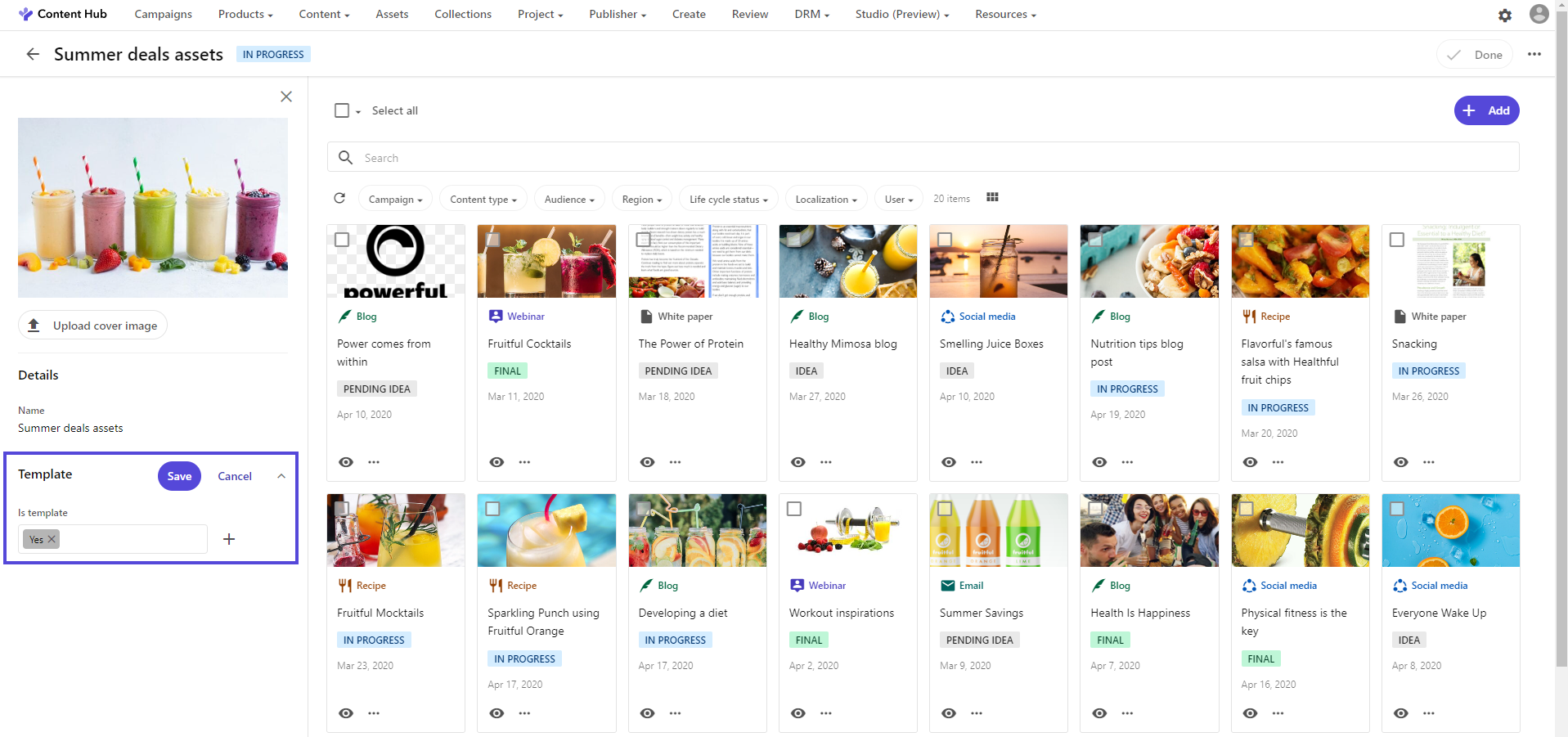
In the following example of a content collection details page, you can see that the Is template field is visible and editable. Any user can enable this particular content collection to be used as a template.
To configure the Entity Details component:
- On the menu bar, click Manage.
- On the Manage page, click Pages.
- On the Pages page, find the entity type you want, and then click the details page that contains the related Entity details component.
- On the Entity Details component, enable custom settings by clicking , and then click the component name.
- On the Details component page, in the left-hand pane, turn on the Template switch.
- To configure Template setup and display options, you can change the existing settings.
- Click Save and close.
If you have suggestions for improving this article, let us know!