Add state flow transitions on the Annotations page
Note
To configure Content Hub, you must either be a superuser or have the necessary permissions granted to you through user group policies.
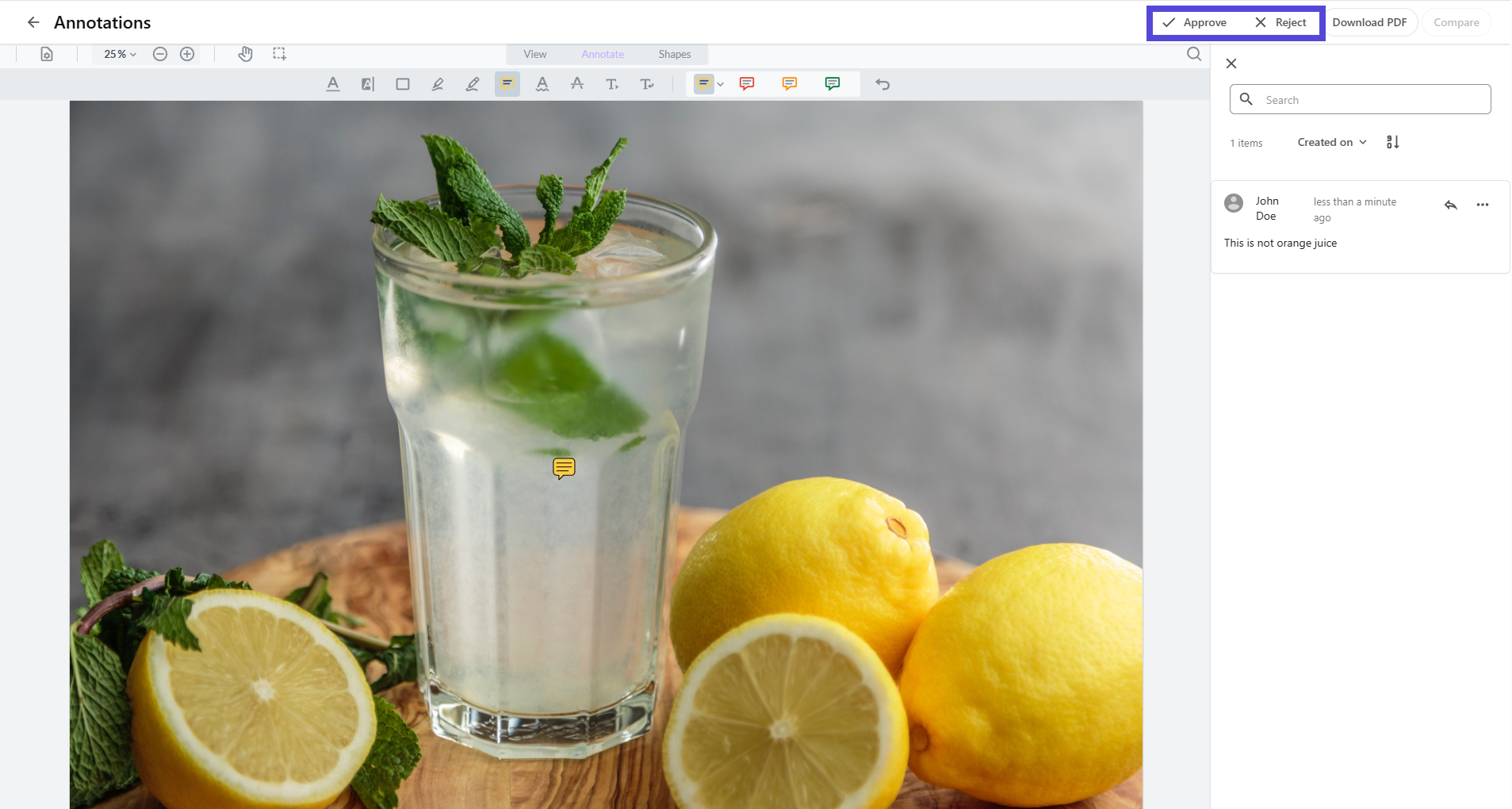
To streamline the review process, you can add a State flow transitions operation to the Annotations page. This means reviewers can annotate and move assets to a different state, from the same page.
Before you begin
-
Enable state flows for the asset definition.
-
Create a state flow for the asset definition.
To add state flow transitions on the Annotations page:
- On the menu bar, click Manage .
- On the Manage page, click Pages.
- On the Pages page, select the Annotations page.
- On the Layout tab, to ensure custom settings are enabled, click Enable custom settings , and then click the Entity operations component.
- On the EntityOperations component page, click Add operation, then click State flow transitions.
- Configure the State flow transitions settings, then click Save.
If you have suggestions for improving this article, let us know!