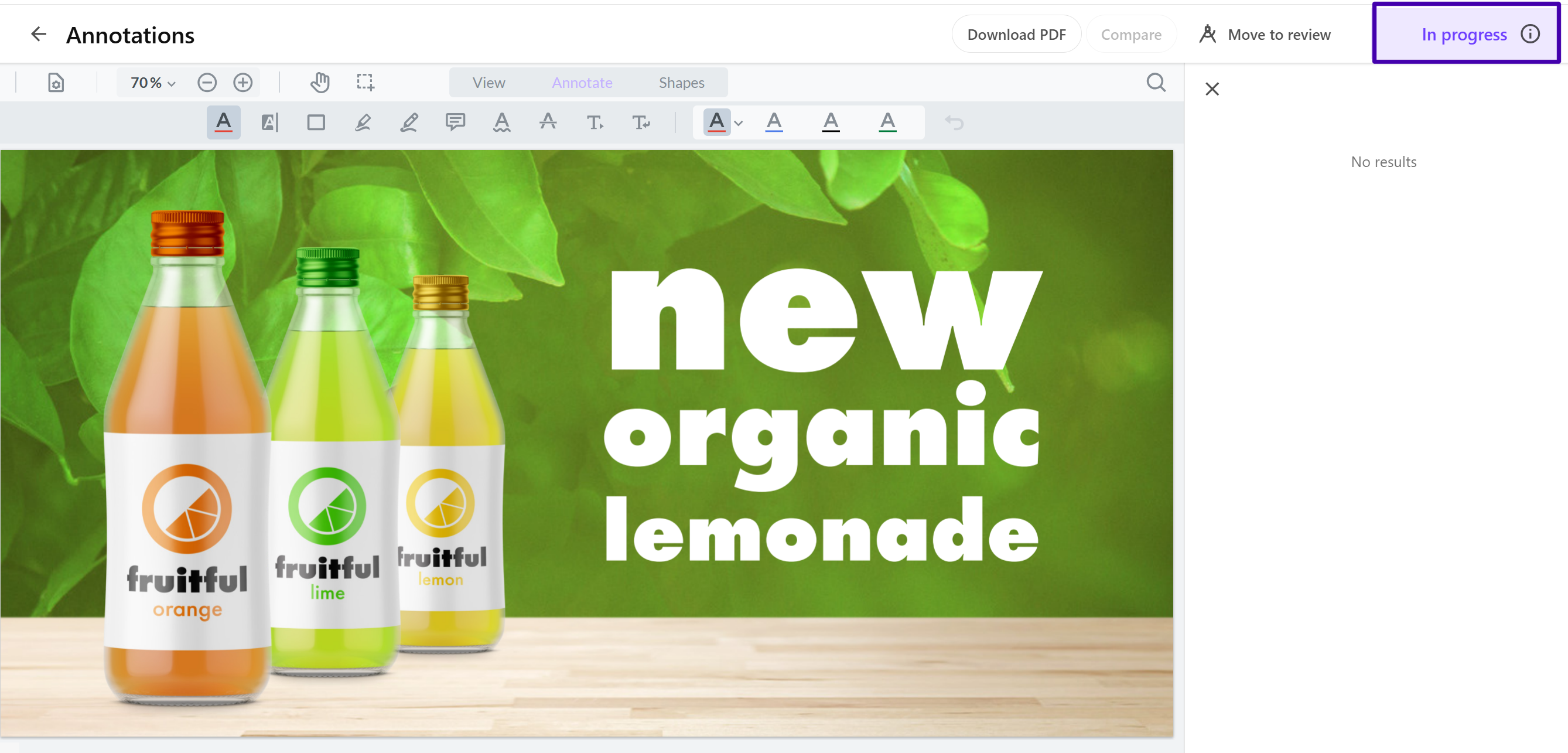
Add a state flow viewer on the Annotations page
To configure Content Hub, you must either be a superuser or have the necessary permissions granted to you through user group policies.
To enable users to visualize the entire state flow and see which step the asset is currently in, you can add a StateMachine viewer (state flow viewer) component to the Annotations page.
-
Enable state flows for the asset definition.
-
Create a state flow for the asset definition.
To add a state flow viewer on the Annotations page:
-
On the menu bar, click Manage .
-
On the Manage page, click Pages.
-
On the Pages page, in the Search box, enter Annotations and then click Home > Annotations.
-
On the Annotations page, in the Header zone, add a StateMachine viewer.
-
On the Pages page, in the left pane, click the Home > Asset details page.
-
On the Layout tab, next to the Entity operations component, click Enable custom settings .
-
Click the Entity operations component to open its details page.
-
On the EntityOperations component page, click Add operation, then click Assign state flows.
-
Configure the Assign state flows operation and click Save.
You can now see which step the asset is currently in.