What’s new
Note
To configure Content Hub, you must either be a superuser or have the necessary permissions granted to you through user group policies.
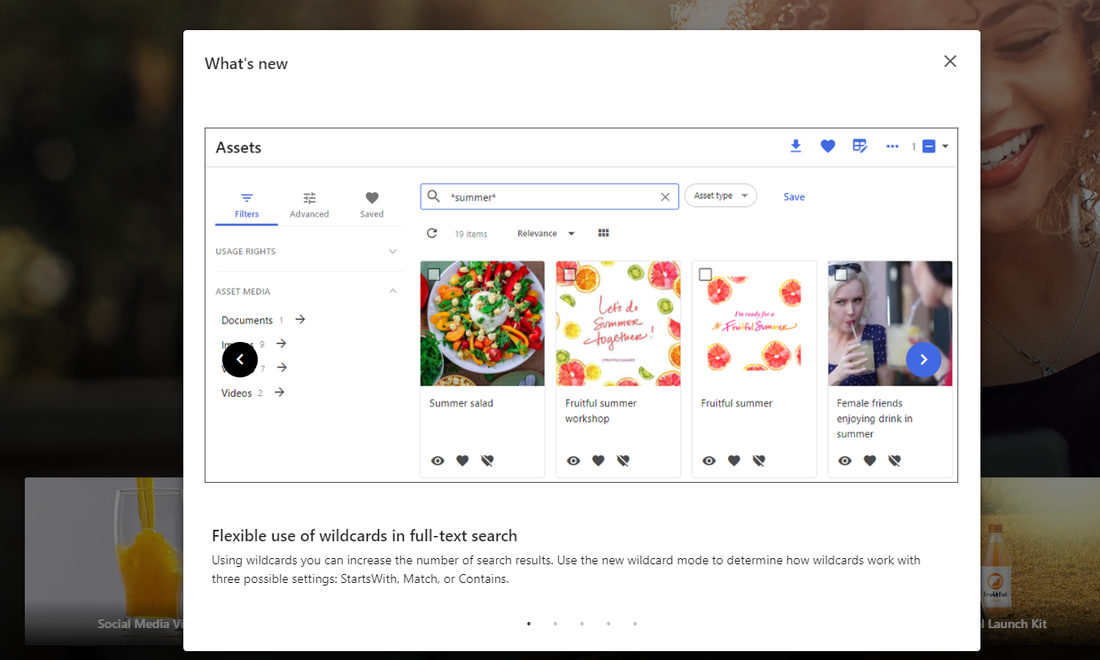
The What's new component displays a window containing news and information about the current site, such as new features. It opens when a user first visits the page or when the what's new features list changes.
Example
In this example, the Home page includes a What's new component.
Before you begin
- Add new features to the What's new page and group them by version.
Configure the What's new component
-
On the menu bar, click Manage .
-
On the Manage page, click Pages.
-
On the Pages page, select the page you want to modify.
-
On the Layout tab, add the What's new component.
-
Click the component to open its details page.
-
Define the following parameters:
Field Description Page The page type of the component (by default, Portal.WhatsNew). Size The size of the window used to display new features. Overwrite title Lets you replace the component’s default title with one of your choosing. -
Click Save and close.
If you have suggestions for improving this article, let us know!