Entity public links
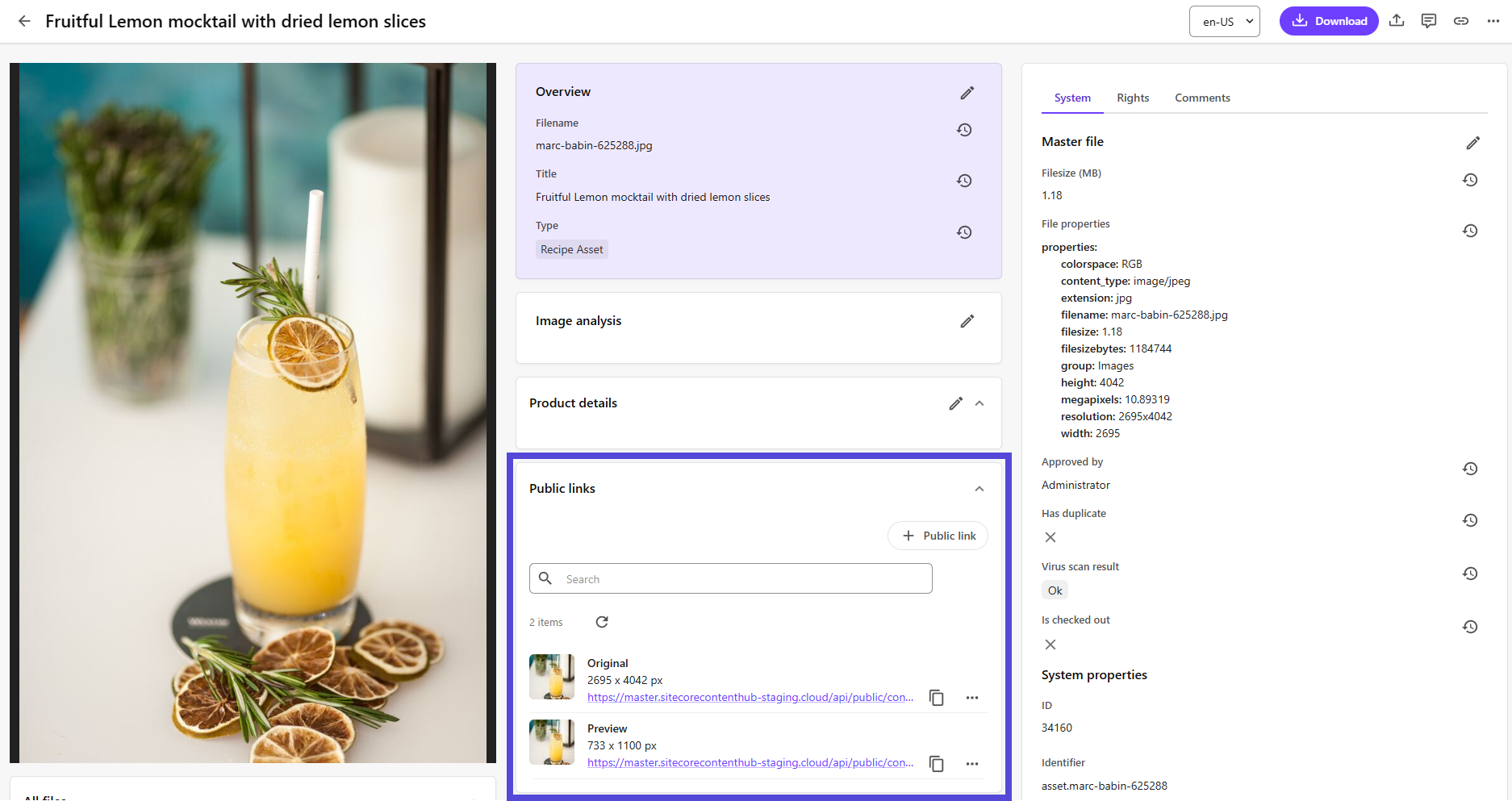
The Entity public links component lists information about the public links associated with an asset, including coordinates of any focal points applied.
Example
In this example, the Entity public links component contains details of two public links for the selected asset, one of which has been assigned a focal point.
To add an Entity public links component:
-
On the menu bar, click Manage .
-
On the Manage page, click Pages.
-
On the Pages page, click Asset details.
-
On the Layout tab, add the page component.
-
Click the component to open its details page.
-
Click Edit.
-
In the Title field, change the component title as required.
-
In the Data field, enter JSON data that specifies the desired entity definition. The following example shows the JSON needed to display asset renditions.
-
Click Save.