Entity content
The Entity content component lets you add content to a page that is relevant to the page's entity definition.
For example, when the Entity content component is added to an archive asset that has been extracted, the files in that asset are listed in the Contents section.
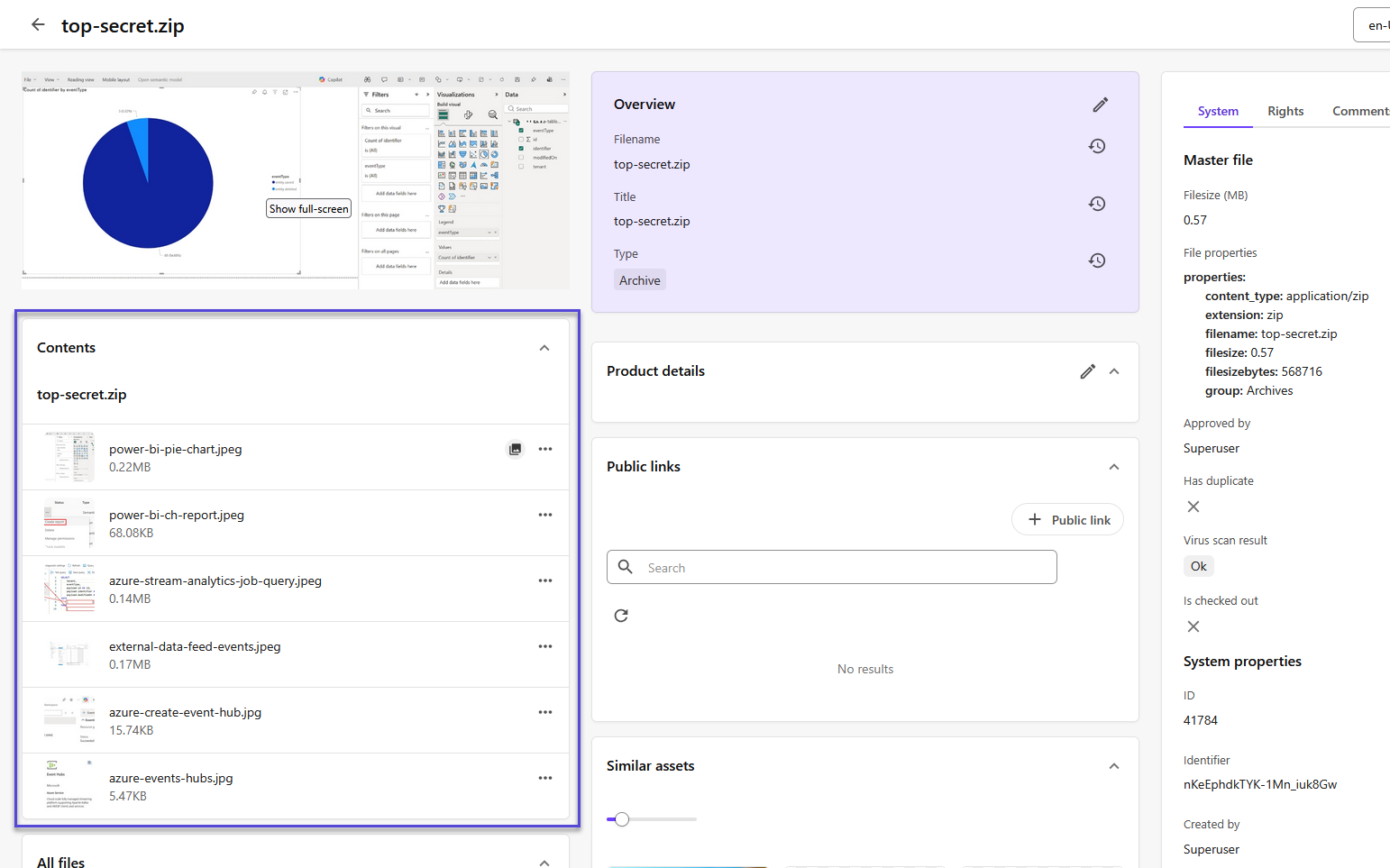
Add an entity content component
To add an entity content component:
- On the menu bar, click Manage .
- On the Manage page, click Pages.
- On the Pages page, select the page you want to modify.
- On the Layout tab, add the Entity content component.
- Click the component to open its details page.
- In the Structure property field, enter a property to use with the component. The default structure property is
Structure. - Click Save.
If you have suggestions for improving this article, let us know!