Title
The Title component lets you add a static page title or a dynamic entity header to a details page.
Examples
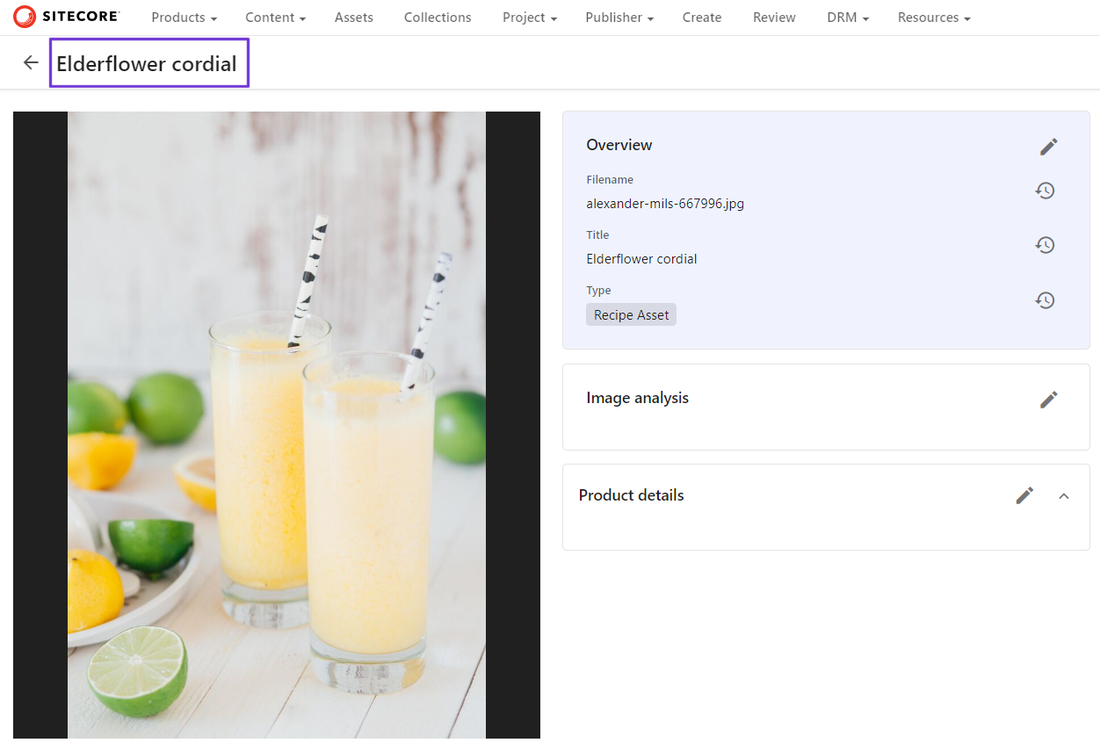
In this first example, the asset details page has a dynamic entity header based on the Title property of the selected asset.
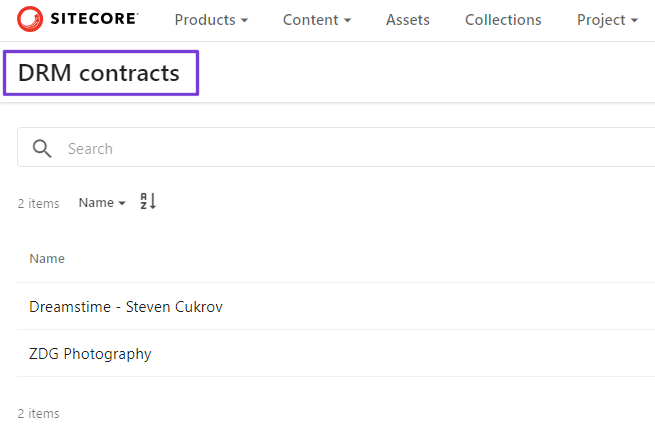
In this second example, the DRM contracts page uses a static page title.
To add a Title component:
- On the menu bar, click Manage .
- On the Manage page, click Pages.
- On the Pages page, select the page you want to modify.
- On the Layout tab, add the page component.
- Click the component to open its details page.
- From the Heading size list, select the heading style, which determines the font size.
- From the Header type list, select one of the following options:
- Page title - adds a static title, which is defined on the Info tab for the page.
- Entity header - adds a dynamic header.
- If you selected Entity header, use the Definition and Property fields to define the source property for the dynamic title.
- Click Save and close.
If you have suggestions for improving this article, let us know!